
Workflows that join up
Connect intake, handoffs and follow-through so work has a clear path across teams.
- Request and case management
- Task ownership and handoffs
- Notifications and exception paths
Website design, app development and custom business software.
Operational Systems
Bring your people, processes and information into a connected operating system. We build business software around the work your team needs to get done.
An illustrative operational workflow
Bring requests and information into one place.
Put the right context in front of the right person.
Make the next step and its owner clear.
Follow progress, exceptions and what needs attention.
When the work outgrows the tools
Spreadsheets, messages and disconnected tools can carry a business a long way. When the handoffs become harder to manage, we help you connect the work without losing what already works.
The same information gets entered in several places.
Approvals depend on reminders and follow-up messages.
Teams cannot easily see who owns the next step.
Reporting takes a round of manual reconciliation.
Software for the working day
Start with the process that needs attention. Build the connections and controls around it as the system grows.
Connect intake, handoffs and follow-through so work has a clear path across teams.
Bring the information, people and rules behind a decision into an understandable approval process.
Give teams useful visibility into the operation, with reporting connected to the underlying records.
Create an internal workspace that fits your team's responsibilities and connects to the systems you already use.
Clarity, with the right controls
The everyday experience matters as much as the architecture behind it. We design for the people doing the work and the responsibilities the system carries.
Roles, responsibilities and next steps are reflected in the workflow, including what happens when something needs attention.
Permissions follow the job people need to do, with care around sensitive actions and business information.
Relevant changes and decisions can be recorded so teams have context when reviewing the work.
Maintainable foundations, useful documentation and considered integrations support the next stage of the operation.
Built around how you work
We work with the people who know the process, make the important decisions visible and introduce change in manageable stages.
Understand who does what, where information lives and which handoffs create friction. Include the exceptions as well as the usual path.
Agree the records, roles, rules and integrations. Design a clear experience around the work people need to complete.
Deliver a focused scope, test it with the team and plan how existing data and ongoing work will move into the system.
Help the team settle into the system, address what real use reveals and evolve the software as priorities change.
Operational thinking in practice
Explore Nivarix products and internal systems that bring workflows, information and engineering together.
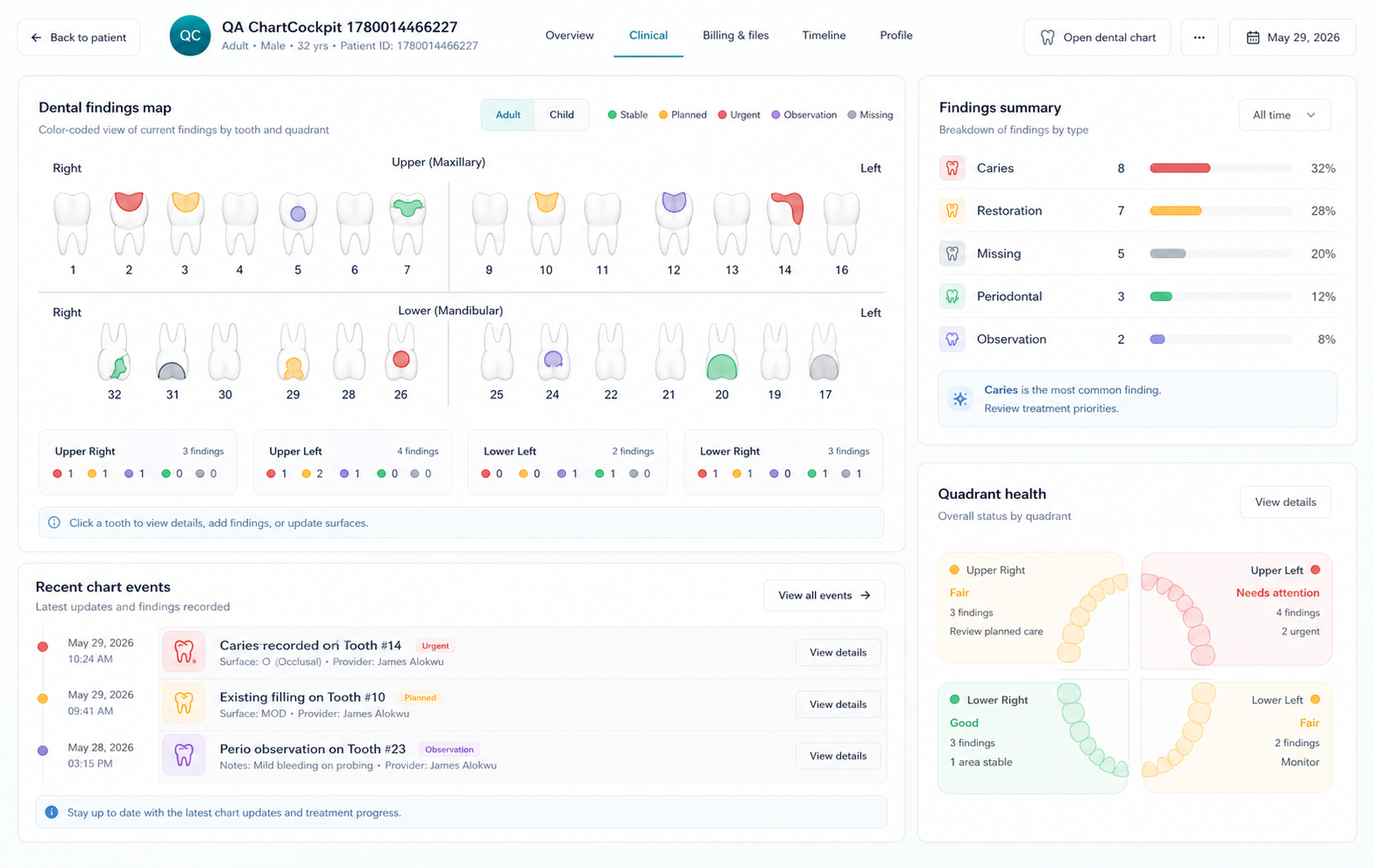
Dental healthcare
A dental practice platform that keeps appointments, patient records, treatment work and billing connected in one workspace.
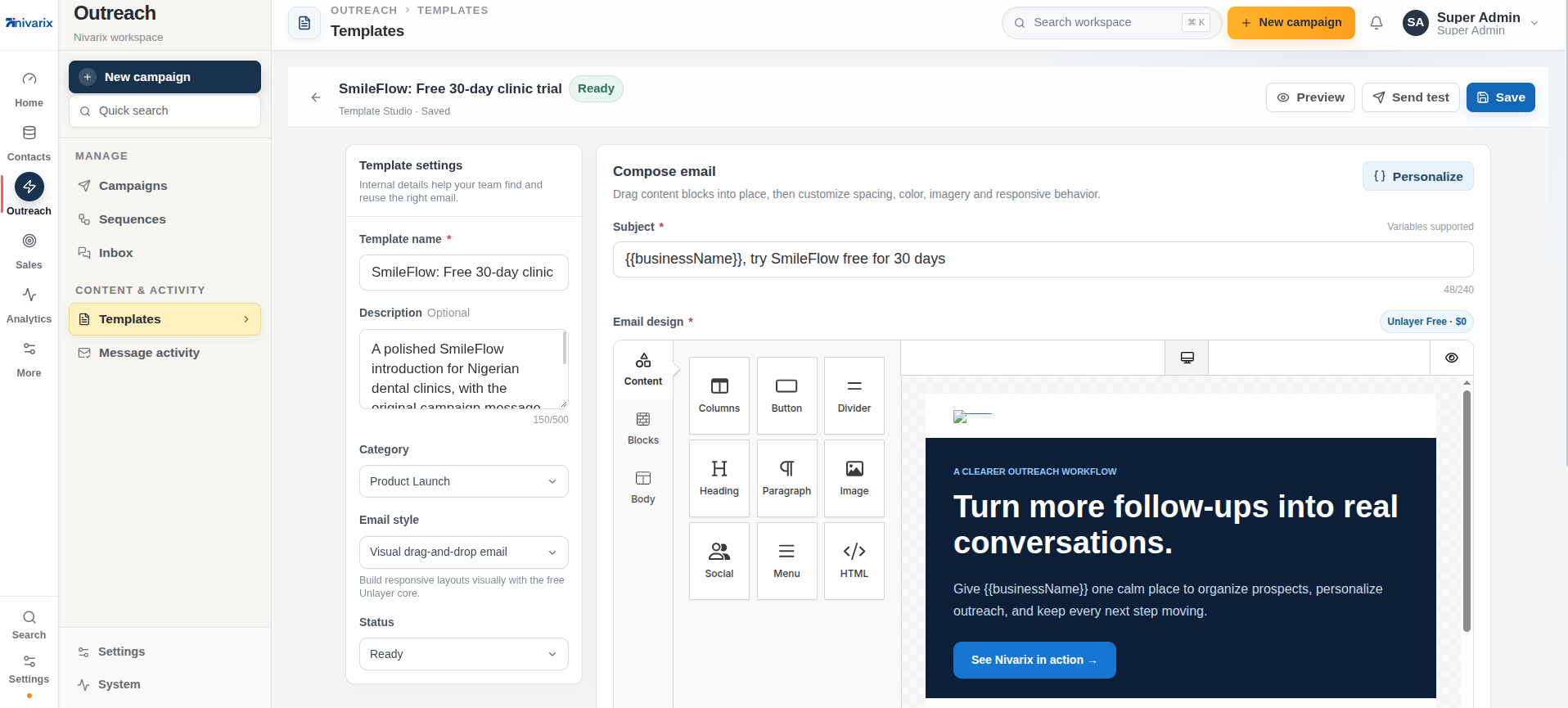
Business operations
An internal workspace for planning outreach, preparing campaigns and following what happens after a send.
Before we begin
The right system starts with the context of your business. Here is how we approach some common starting points.
No. We start by understanding what already works and where the gaps are. The right scope may connect existing tools, introduce a focused internal application or replace a particular workflow, depending on the business need.
Yes. Existing spreadsheets can help explain the records, decisions and reporting the team relies on. We review the structure and quality of the information before agreeing how it should be modeled and moved into a system.
We map who needs to view, change or approve each part of the work. Those responsibilities shape the permission model, approval paths and relevant activity records. Exceptions and sensitive actions are considered during design.
Existing systems are reviewed during discovery. Where suitable APIs or data exchange options are available, we can plan integrations, including ownership, validation and how failed transfers should be handled.
The rollout plan is agreed around the operation. It can include a focused first release, testing with the people who will use it, data migration checks, documentation and a staged transition. The approach depends on the process and its constraints.
Yes. We plan for maintainability and an agreed path for support. An ongoing engagement can cover improvements, maintenance and further workflows as the needs of the business become clearer.
Make room for better ways of working
Bring us the process, the bottleneck or the collection of tools your team works around. We will help you find a practical place to start.