For salons, spas, barbershops, and beauty studios, a website should make services easy to understand and help customers book the right person at the right time. The difficult part is not displaying a calendar. It is coordinating services, staff schedules, cancellations, and payments without creating confusion.
Before commissioning a salon booking website, decide whether you want an appointment request form or a live scheduling system.
How much should you budget?
A broad Nigerian 2026 booking website cost guide (https://elvisonunwa.com/pricing-costs/booking-website-cost-nigeria) suggests roughly ₦350,000–₦700,000 for a focused booking website, ₦700,000–₦1,500,000 for multi-service or multi-staff scheduling, and ₦1,200,000–₦3,000,000+ for more advanced flows. These are third-party planning estimates for booking websites generally, not verified salon-specific averages or Nivarix prices.
A simpler salon information website with WhatsApp contact may cost less. The correct budget depends on how bookings are confirmed and managed.
| Booking approach | What the customer sees | What staff must do |
|---|---|---|
| WhatsApp or phone | Service information and click-to-contact | Confirm appointments manually |
| Booking request form | Choose service, date preference and details | Check diary and confirm |
| Live staff calendar | Select available service and staff slot | Maintain accurate schedules and exceptions |
| Advanced booking | Deposits, reminders, packages, rescheduling | Manage payment states, refunds and membership rules |
Six features worth defining before development
Service duration. A haircut, colouring session, manicure, and massage may require different lengths of time. Your software must understand those durations before offering appointment slots.
Staff availability. Decide whether customers choose a stylist or the system assigns one. What happens when a staff member is absent?
Buffers and resources. Some services require preparation, cleanup time, or a specific room or chair. Two bookings may clash even if different staff are free.
Deposits. If a salon collects deposits, it needs clear terms and a reliable process for successful, failed, duplicate, or refunded payments. Confirm transaction charges with the payment provider.
Rescheduling. Will customers be able to move appointments themselves? If so, what notice period applies and who approves last-minute changes?
Reminders. Email, SMS, and WhatsApp reminders may be useful, but they create ongoing provider costs and require consent and data-handling decisions.
What should the public website show?
The booking interface is only part of the experience. Customers also need service descriptions, transparent starting prices where appropriate, staff profiles, location and opening hours, authentic photographs, and easy contact options.
For businesses with multiple branches, each location should have accurate hours, available services, and an appropriate booking flow. Avoid sending customers to an appointment calendar for the wrong location.
Example: a two-stylist beauty studio
A studio with two stylists and a manageable appointment volume may begin with a clear service menu, portfolio gallery, directions, and a booking request form. Staff can confirm availability manually and record appointments in an existing calendar.
If missed calls and double bookings become frequent, the next version can introduce live availability linked to each stylist's working hours. Deposits and automated reminders can follow if they solve a measurable business problem.
This phased approach is often more useful than buying complex membership and loyalty software before the core booking process works.
The questions your developer should ask
- Can a service require several staff members or resources?
- How are breaks, holidays, and sick days handled?
- Is the calendar authoritative, or does a receptionist confirm bookings?
- What information must customers provide?
- How are no-shows and refunds handled?
- Can staff see only their own schedules where appropriate?
- Does the owner need daily appointment and revenue summaries?
- Which existing POS, CRM, or payment systems should remain in use?
If a developer cannot explain these workflows, an attractive calendar demo is not enough.
How do you know whether the website is working?
Measure appointment requests, confirmed bookings, no-show rates, staff time spent on scheduling, and the percentage of customers who complete the booking journey. Don't mistake website visits for completed appointments.
Also test booking behaviour on mobile and during payment failure scenarios. If users cannot tell whether they have a confirmed appointment, the process needs correction.
Frequently asked questions
Can customers book through WhatsApp instead?
Yes. For some small salons, WhatsApp with a disciplined staff process is sufficient. Live calendars become more useful as scheduling complexity increases.
Do I need a separate mobile app?
Usually not for an initial appointment journey. A responsive website can be easier to launch and maintain unless repeat usage or specific product needs justify an app.
Should I build custom software or integrate a booking tool?
Compare the real workflows and total costs first. An existing tool may be sufficient, while a custom solution is most appropriate when the business has requirements that available products do not meet.
Build around the way your studio actually operates
Nivarix works on websites and business software for service-based companies. See our Beauty, Wellness & Personal Care solutions (https://nivarix.com/industries/beauty-wellness) or describe your booking process (https://nivarix.com/contact) to explore the simplest reliable solution.
Prices above are broad, third-party booking-website planning bands reviewed November 2026, not quotes for a specific salon project.
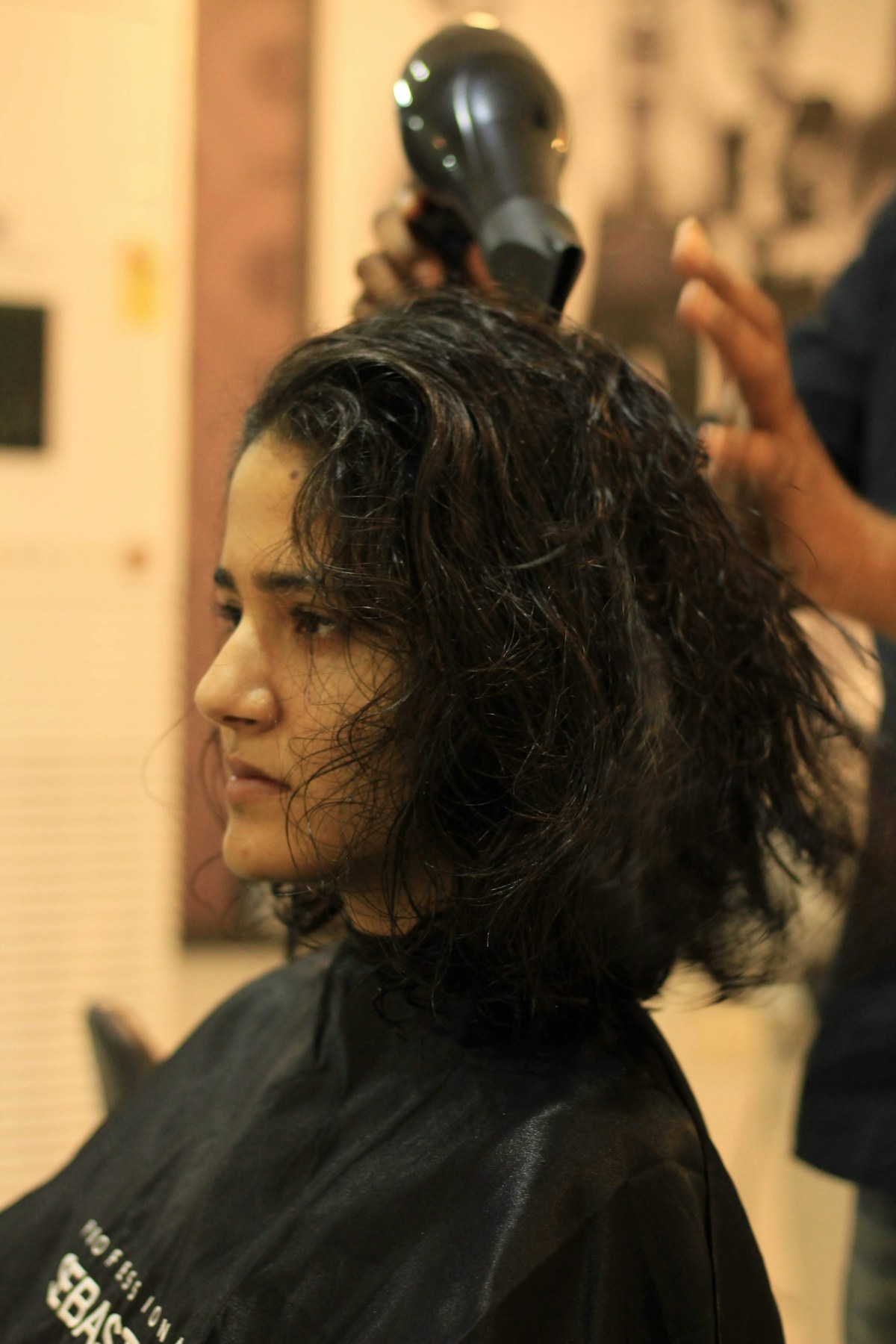
Illustrative photography: cover by Giorgio Trovato; article photo by Aditya Sethia, via Unsplash. People and places shown are not Nivarix clients or projects.