A dental website does not need every possible feature. It needs to make the next patient decision easier: Can this clinic help me, where is it, can I trust the information, and how do I get in touch?
Whether you're creating a new site or replacing an outdated one, use this practical checklist to decide what to build first. It focuses on useful website fundamentals rather than unnecessary software complexity.
Before anything else: define the patient journey
A visitor may arrive through a Google search, a referral, a Google Business Profile, or an Instagram link. They may know the treatment they want, or they may just be looking for a clinic nearby. Your website should support both journeys without forcing either group through an intimidating form.
A simple journey is: find the relevant treatment → evaluate the clinic → choose a location → request an appointment. Every feature below should help one of those steps.
The 18-point website checklist
Discoverability and first impressions
- Clear headline. Explain the practice, primary services, and area served in normal language. “Exceptional smiles” alone does not tell a new visitor enough.
- Mobile-friendly layout. Test on common phone sizes. Buttons should be tappable, headings legible, and navigation easy to use.
- Accurate contact information. Provide a working phone number, clear WhatsApp route where appropriate, practice email, and operating hours.
- Map and directions. Give patients a way to find the correct branch. Verify addresses and map pins before launch.
- Fast-loading essential pages. Compress images, avoid unnecessary animations, and check the site using real mobile conditions.
Treatment information and trust
- Dedicated treatment explanations. Explain what the clinic offers, when someone might enquire, and how the consultation process works. A qualified clinician should approve clinical content.
- Dentist and care-team profiles. Introduce the people patients may meet, using accurate professional information and approved photographs.
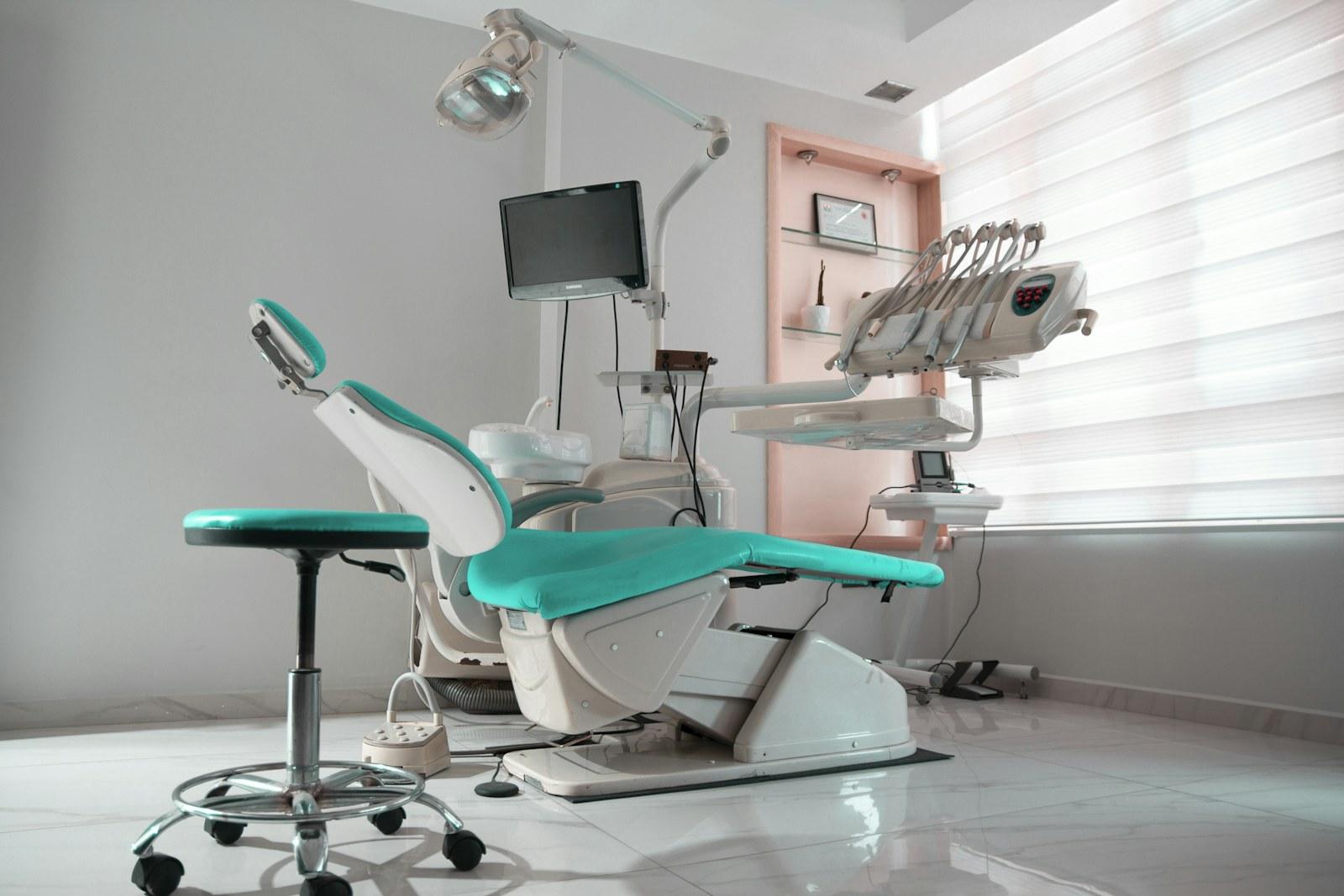
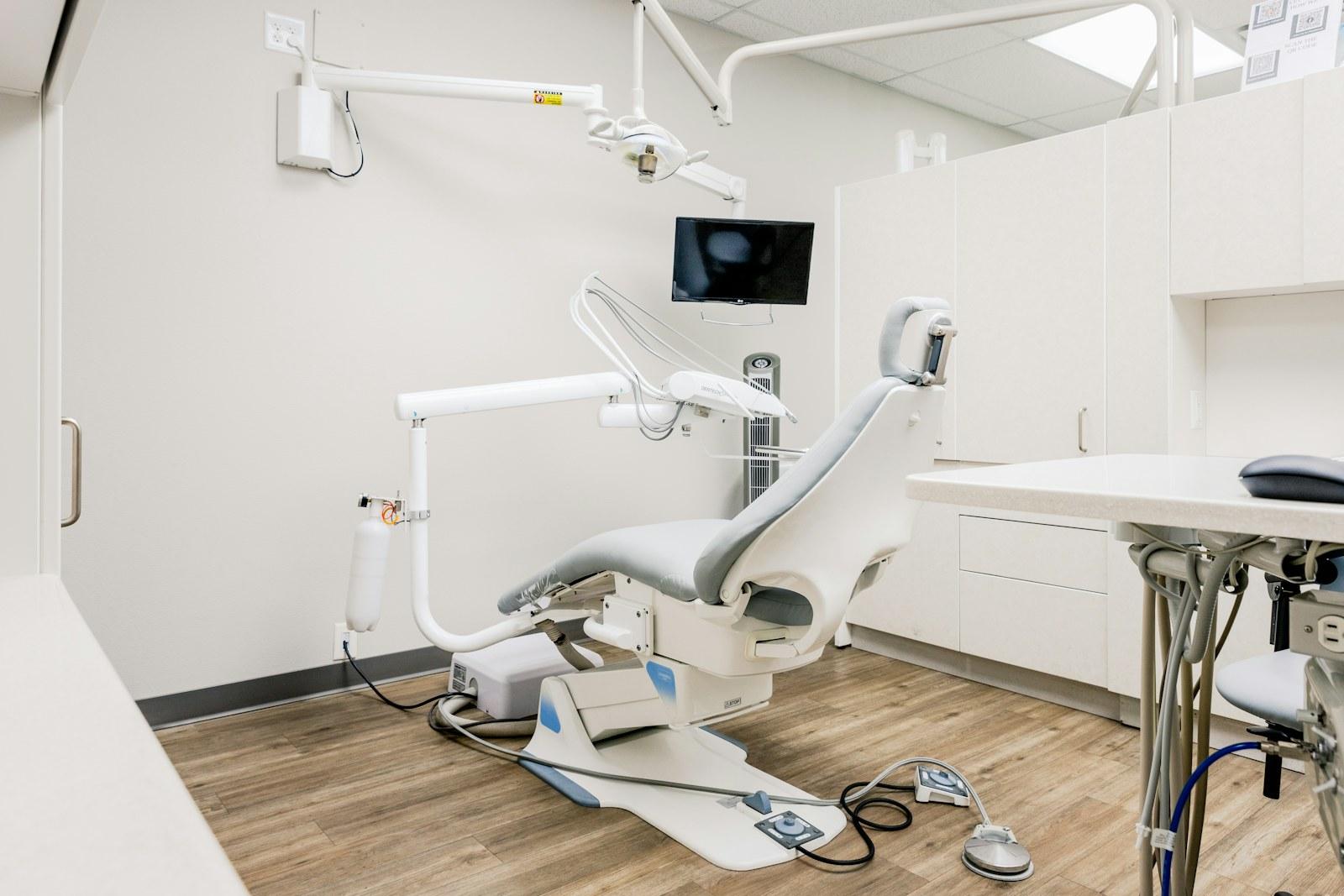
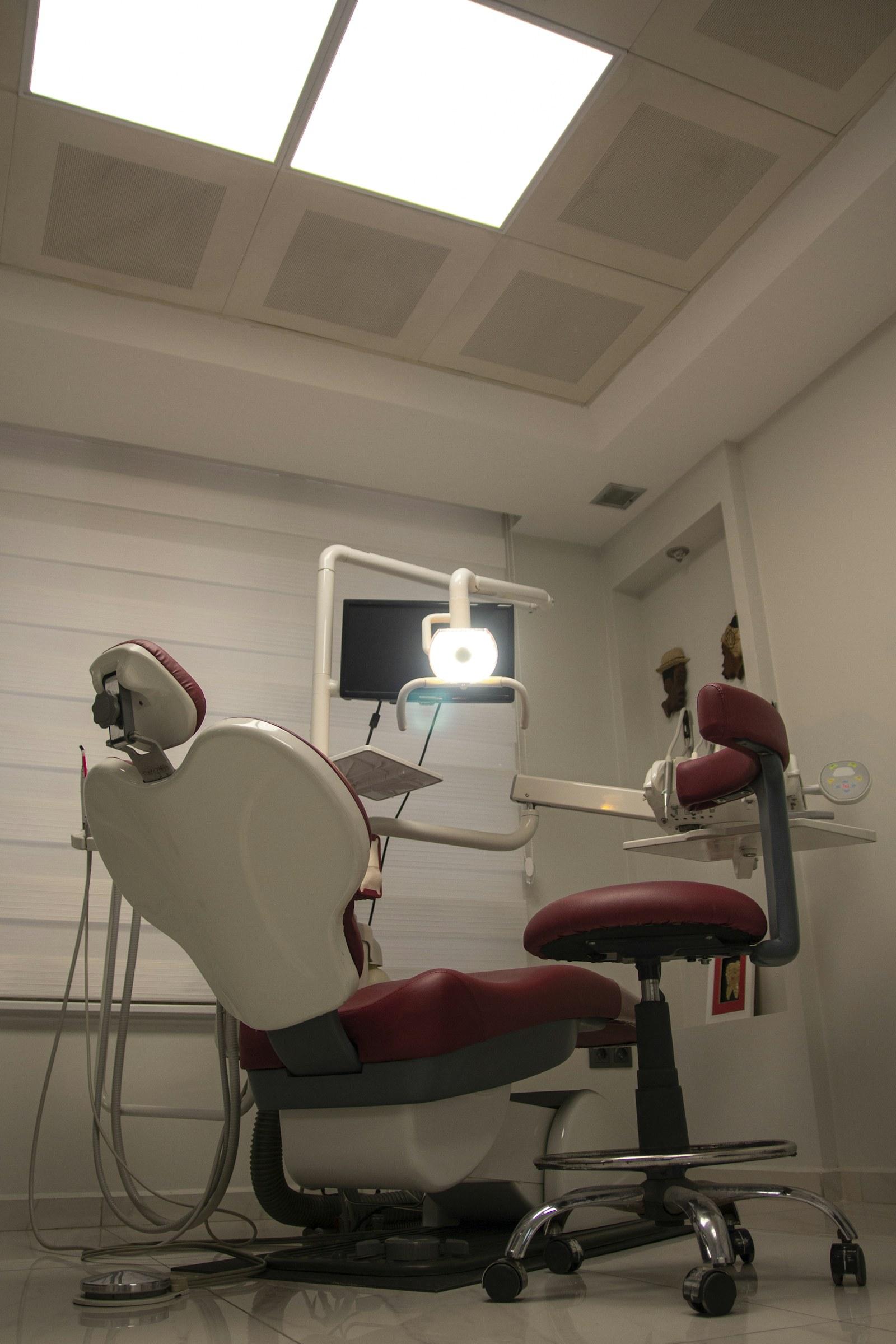
- Real clinic photographs. Images of the reception, equipment, and environment can help visitors understand what to expect. Obtain permission before featuring patients.
- Transparent consultation expectations. Explain whether the first visit requires an appointment, what information to bring, and whether fees are confirmed at assessment.
- Genuine testimonials and reviews. Use only authentic, permissioned feedback. Avoid misleading clinical guarantees or unverified claims.
- Frequently asked questions. Answer practical questions about appointments, location, payment methods, opening hours, and preparation. Clinical answers should be reviewed.
Enquiries and booking
- Prominent appointment action. Visitors should know how to request a slot from the homepage and treatment pages.
- Short enquiry form. Start with information needed to respond. Avoid collecting sensitive medical details through an ordinary marketing form.
- Clear booking confirmation. If you use a booking request form, say that the clinic must confirm availability. Don't describe a request as a confirmed appointment.
- WhatsApp or call fallback. Give visitors an alternative if they cannot or do not want to use the form.
- Branch-specific routing. If there are multiple locations, direct requests to the right branch and show the correct hours.
Ownership and improvement
- Easy-to-update content. Staff should be able to correct service descriptions, holiday hours, and clinic information through an appropriate editing workflow.
- Privacy, analytics, and maintenance. Publish a clear privacy notice, secure forms, restrict access to submitted information, and track enquiry actions without sending personal details to analytics tools.
Which features should be included in the first release?
For a new practice, start with the essentials: clear positioning, services, clinician information, mobile design, location, contact details, and a reliable appointment-request process. That is a useful website even without patient accounts or automated reminders.
For an established clinic with repeated enquiries, the next priorities may be dedicated treatment pages, improved content management, branch-specific flows, and analytics.
Only move to live booking calendars, reminders, deposits, or system integrations when the team can operate and maintain them. The added software should remove an actual bottleneck rather than create a new one.
A simple acceptance test for clinic owners
Before signing off, hand a phone to someone unfamiliar with the website. Ask them to find your opening hours, locate a service, identify a dentist, request an appointment, and find directions.
Watch where they hesitate. If they get lost, the design needs work even if it looks attractive in screenshots.
Then submit a test enquiry. Verify it reaches the clinic, that the staff member knows what to do next, and that the visitor receives an accurate confirmation message. Repeat the test on a small screen and on a slower connection.
The mistakes worth avoiding
A polished visual design cannot compensate for stale hours, unanswered forms, or missing treatment details. Likewise, an expensive patient portal is unnecessary if the clinic mainly needs a clear website and a dependable way to collect enquiries.
Don't publish copied treatment descriptions from another clinic. Don't use clinical outcomes you cannot substantiate. Don't hide essential contact information behind multiple clicks.
Turn the checklist into a practical brief
Nivarix helps dental practices build professional websites that present services clearly and support straightforward patient enquiries. Our Dental Clinics & Practices page (https://nivarix.com/industries/dental-clinics) explains the scope, and our Smile On Dental project (https://nivarix.com/portfolio/smile-on-dental-web-platform) shows relevant work.
If you're planning a website, share your priorities with Nivarix (https://nivarix.com/contact). A focused list of must-have features is a much stronger starting point than asking for “a modern website” without defining what it should accomplish.
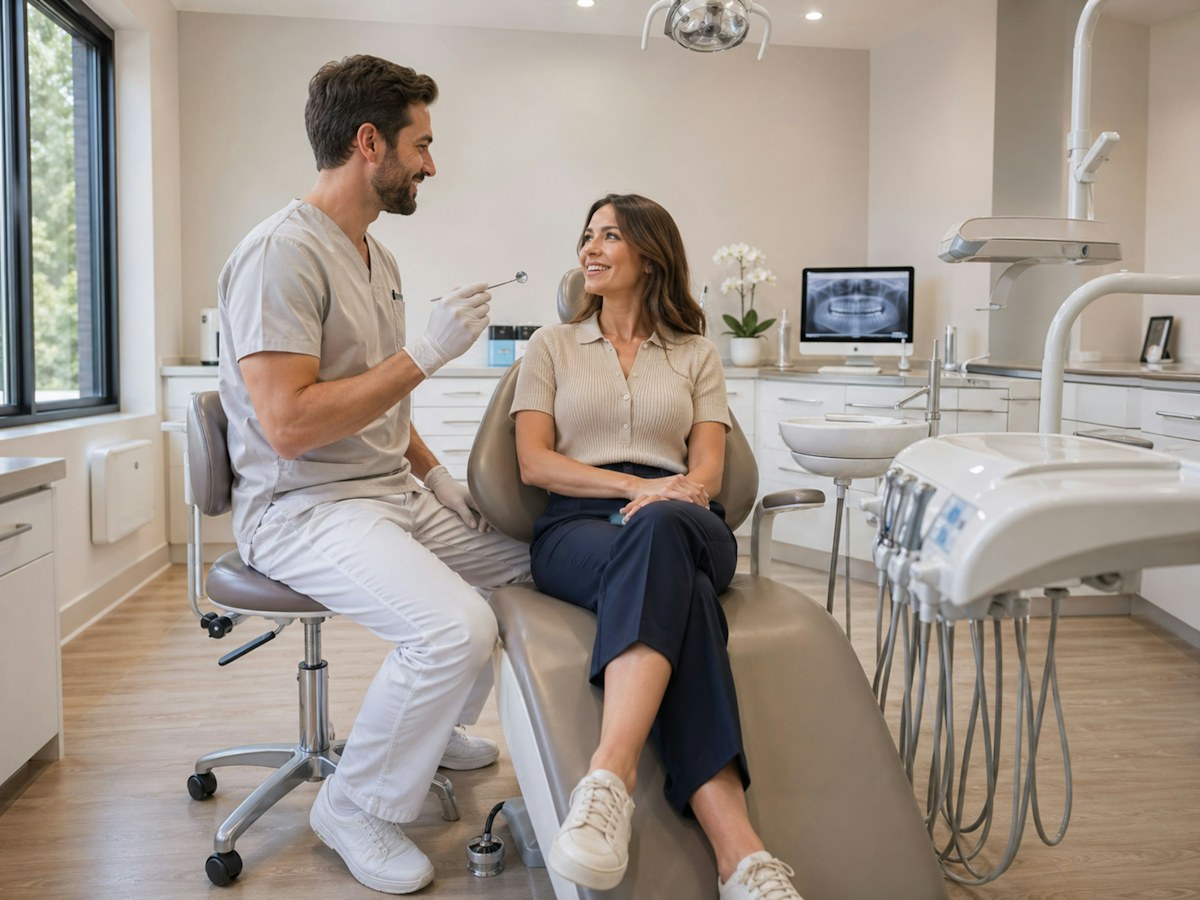
Illustrative photography: cover by Ozkan Guner; article photo by Harold Hisona, via Unsplash. People and places shown are not Nivarix clients or projects.