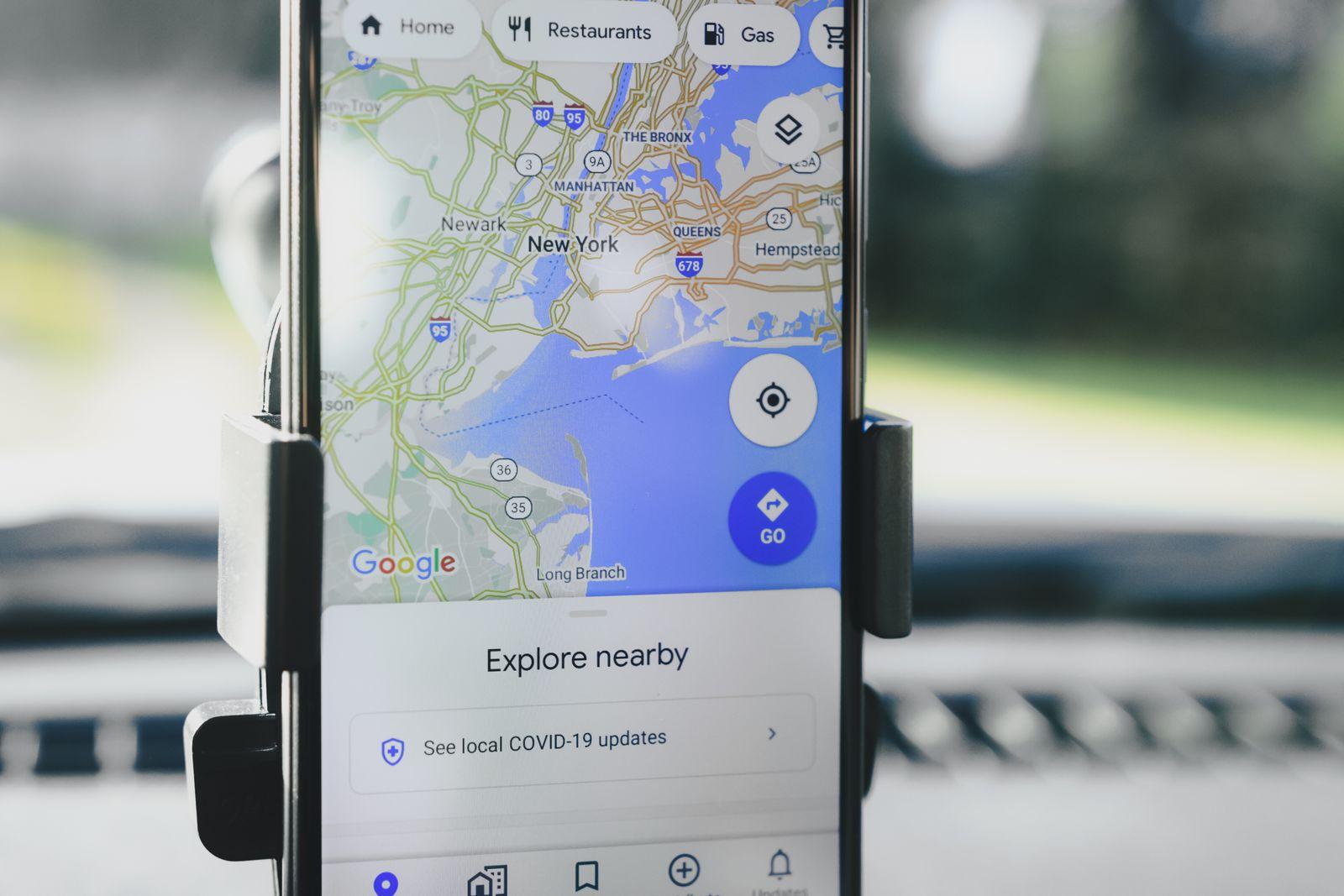
When someone searches for a dental clinic nearby, a restaurant in their area or a software development company in Lagos, they may see local businesses before visiting individual websites. That makes Google Maps and local search an important part of how eligible businesses are discovered.
A Business Profile is not a substitute for a website, and a website alone does not guarantee local visibility. Together, accurate business information, a useful website and authentic customer feedback can make it easier for people to evaluate and contact you.
What should a business do first?
If your business is eligible, claim or create its Google Business Profile using information that accurately represents its real operations. Complete verification as required by Google. Add appropriate categories, genuine contact information, operating hours and a relevant website link. Maintain these details and invite genuine customers to share honest feedback without incentives for leaving, changing or removing a review.
The Google local ranking guidance describes three factors for local results: relevance, distance and prominence. Businesses can improve relevance and public credibility, but cannot make every nearby searcher equally close to their location or buy a guaranteed top organic position.
1. Represent your business accurately
Use your actual business name, not a list of keywords inserted into the name. Choose the category that best describes the business and add suitable secondary categories where applicable. If you visit customers and do not receive them at your address, review the Business Profile eligibility and representation for how to configure a service-area business. Do not use an invented office, virtual address that fails eligibility rules, or a separate profile for every city you hope to serve.
Check ownership and administrator access. The business should retain control of its profile when an employee or marketing agency leaves.
2. Connect the profile to a useful website
A local searcher may need more information than a profile can provide. A dental practice can show treatments, real opening hours and appointment options; a restaurant can show its menu; a professional services company can describe its specialization and genuine project experience.
The linked page should load well on mobile devices, clearly state what the business does, provide accurate ways to contact it and avoid forcing customers through unnecessary steps. Build location pages only when they provide distinct useful information about real services, not simply to replace city names in duplicate content.
3. Build a repeatable review process
After delivering a service, provide customers with a simple way to share their genuine experience. Invite honest reviews without selecting only those expected to be positive. Respond professionally to feedback, and never expose sensitive customer or patient information in a public reply. A dental practice, for instance, should not confirm confidential treatment details while answering a review.
The Google Maps review policy prohibits payment, discounts or other incentives in exchange for a review. Ask for honest feedback without trying to influence the rating.
4. Track actions, not just visibility
Use Google Business Profile reporting to see eligible profile interactions. A phone button click or direction request records an action without proving a call or visit took place. These actions represent different levels of customer intent. Record how many enquiries become appointments, quotations or sales.
An illustrative monthly measurement plan:
| Metric | Starting month | Next month | Interpretation |
|---|---|---|---|
| Website visits from profile | 100 | 120 | More visits |
| Qualified enquiries | 8 | 9 | Modest increase |
| New customers | 3 | 4 | Business outcome |
These fictional numbers illustrate reporting, not expected performance. Add suitable campaign parameters to the website link where supported, configure analytics and use business records to distinguish leads from completed sales.
5. Run a 30-day local visibility improvement plan
- Check eligibility, verification, ownership, business details and any duplicate profiles.
- Improve the linked website's services, contact information, mobile usability and enquiry path.
- Add authentic photographs where appropriate and establish a compliant feedback process.
- Review profile performance, website analytics and actual qualified enquiries. Investigate gaps.
Repeat this review as information changes. A profile is not a one-time directory submission.
Frequently asked questions
Is Google Business Profile free?
Google provides Business Profile without a listing fee; optional advertising and professional assistance may cost money.
Can an online-only business create a profile?
Not generally unless it meets Google's eligibility requirements, which include relevant in-person customer contact for ordinary businesses. Check the current official guidelines.
Can I rank in every Nigerian city with one profile?
No. Distance is one of the factors Google considers. A useful website can support broader organic discovery.
Make local search work with your website
Nivarix designs and improves business websites with enquiry paths, search foundations and analytics. If potential customers find your profile but struggle to understand your services or contact you, discuss improving the website that supports your local presence.
Discuss your local business website
Related guides and services
- Diagnose a site missing from Google Search
- Measure leads after people reach the website
- Review the dental website checklist
- Explore Nivarix web engineering
Sources
Checked 29 November 2026.
- Google local ranking guidance
- Business Profile eligibility and representation
- Google Maps review policy
- Google Business Profile reporting
Cover photograph by AS Photography, via Pexels.