A business hears about AI and starts thinking about what it could improve.
Customer support could be faster.
Reports could generate automatically.
Employees could ask questions about company data.
Sales leads could be qualified before someone reviews them.
Invoices could be followed up automatically.
Customers could receive smarter responses.
Then someone asks the question that usually slows everything down:
"Do we have to rebuild our entire system to do this?"
In many cases, the answer is no.
Your business may already have years of customer records, workflows, integrations, permissions and processes built into existing software. Throwing all of that away simply because AI has arrived would often be unnecessary, expensive and disruptive.
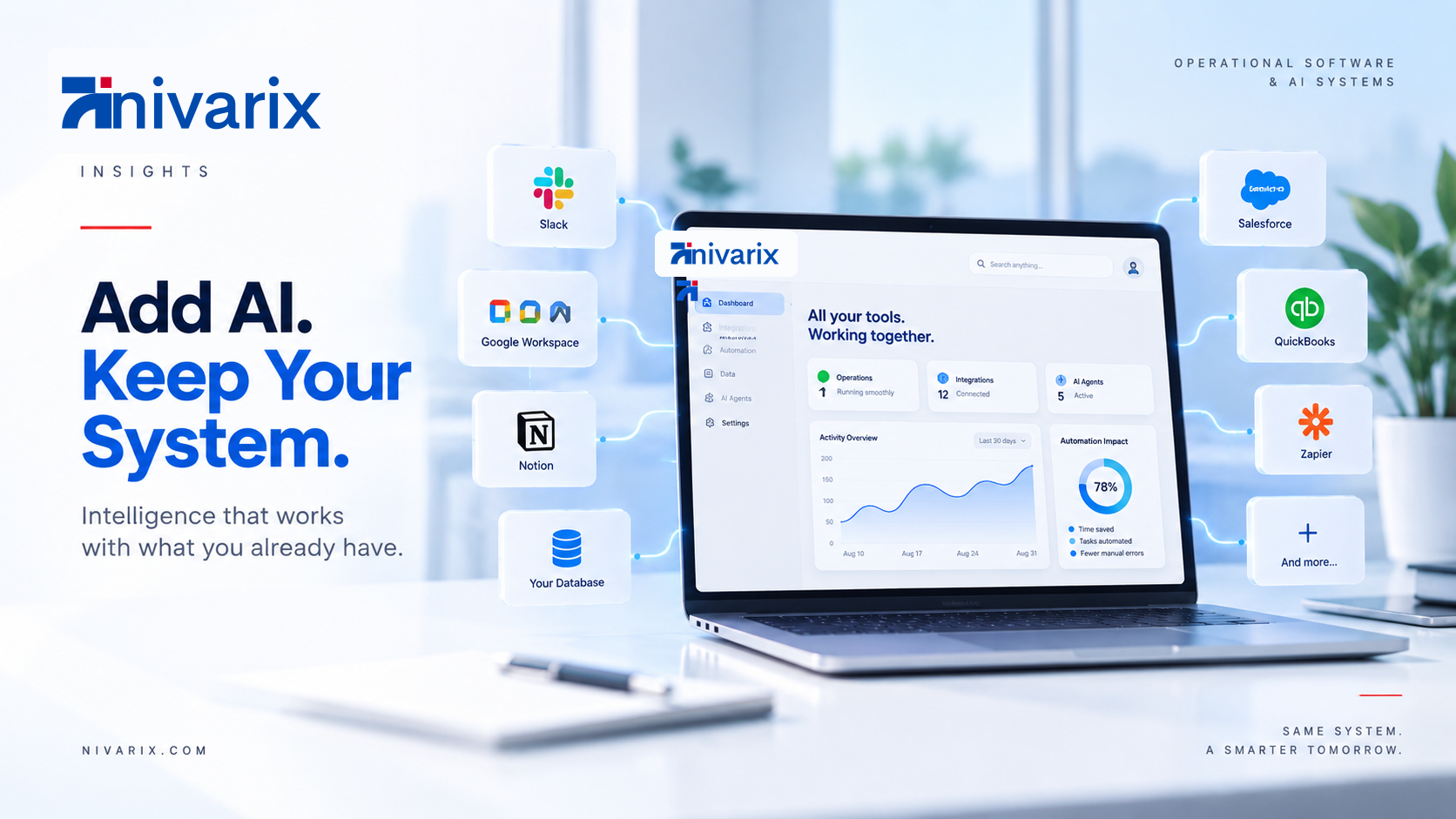
A more practical approach is to make AI work with the systems you already have.
That might mean connecting an AI model to your CRM through an API.
It might mean giving an internal AI assistant controlled access to company documents.
It could involve adding an AI agent that reads information from several systems and performs approved actions.
Or it may be as simple as adding intelligence to one repetitive part of an existing workflow.
The goal is not to rebuild everything around AI.
The goal is to identify where AI can make the software you already depend on more useful.
AI integration is becoming a connection problem, not just a model problem
Early business AI projects often started with a chatbot.
A company would connect an AI model to a text box, let employees or customers ask questions and see what happened.
That was useful for experimentation.
Production systems are becoming much more interesting.
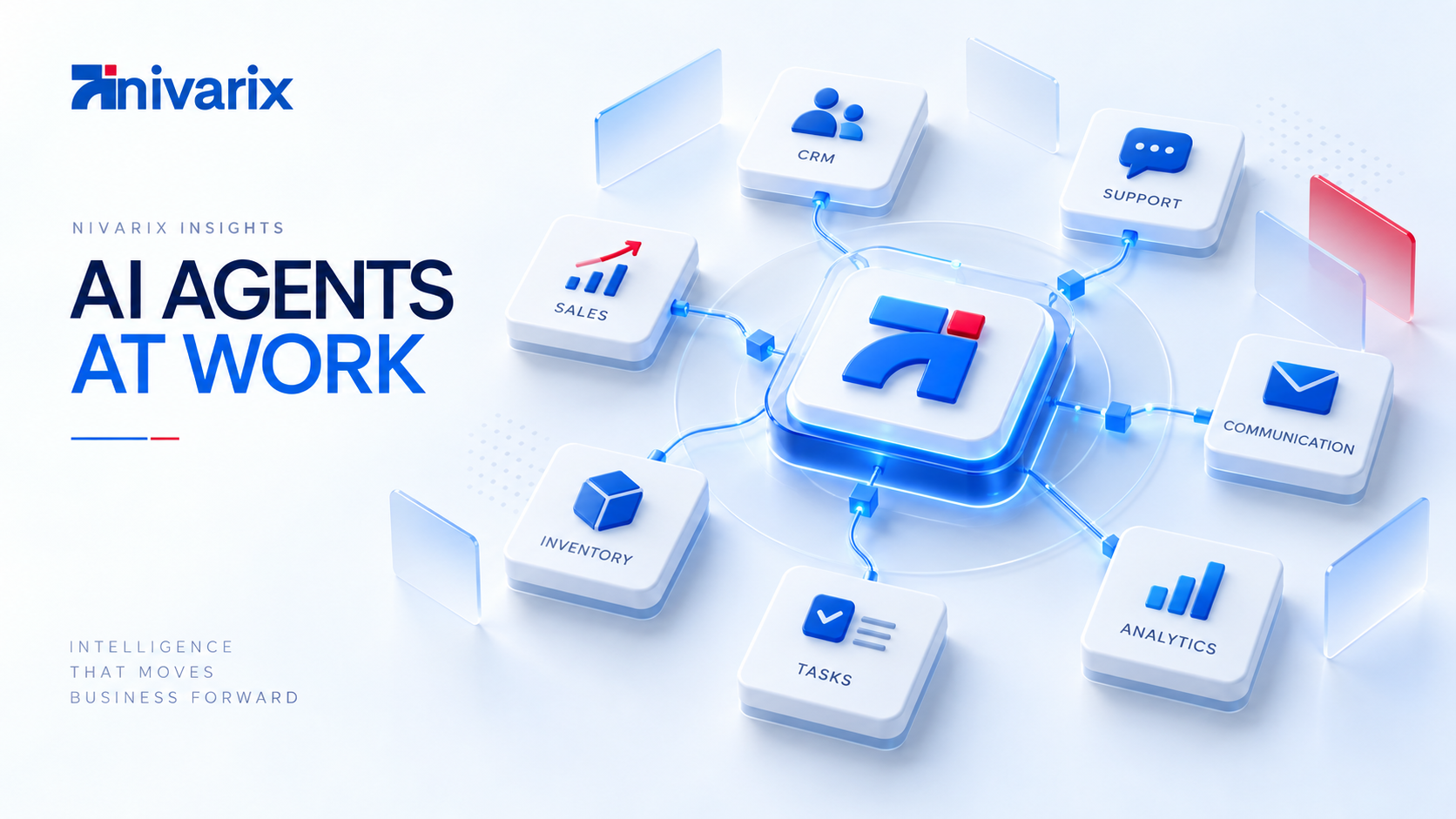
Businesses now want AI that can work with:
- customer records
- inventory
- invoices
- internal documentation
- calendars
- CRM systems
- support platforms
- databases
- internal dashboards
- payment systems
- communication tools
- industry-specific software
OpenAI describes the current phase of enterprise AI as a move from assistance toward execution, with more advanced organizations connecting agents to company context, tools and repeatable workflows. (OpenAI)
AWS uses a similar architecture when describing agentic systems. Existing business applications can remain in place while AI services communicate with them in both directions, allowing agents to access business logic or invoke approved application functions. (AWS Documentation)
That distinction is important.
AI does not necessarily need to replace the application.
It can become another layer around it.
What does adding AI to existing software actually mean?
The phrase "AI integration" is broad.
In practice, businesses usually mean one or more of these things.
1. Let AI read information from your existing system
This is the simplest level.
Imagine you already have a customer management platform containing thousands of records.
Instead of manually filtering reports, management could ask:
Which customers have not purchased anything in the last six months?
Or:
Which sales opportunities are worth more than ₦5 million and have had no activity this week?
The AI does not replace your CRM.
It retrieves relevant information from the CRM and helps the user understand it.
The same approach can work with:
- inventory databases
- accounting data
- support tickets
- project records
- sales information
- operational databases
This can make existing data much easier for employees to use.
2. Let AI understand your company knowledge
Businesses accumulate enormous amounts of information.
Policies.
Contracts.
Product documentation.
Training materials.
Pricing rules.
Standard operating procedures.
Technical documentation.
Frequently asked questions.
Internal guides.
The problem is often not that the information does not exist.
The problem is finding it.
An AI system can be connected to approved company knowledge and retrieve relevant information when someone asks a question.
This is commonly implemented using a pattern called retrieval-augmented generation, usually shortened to RAG.
Instead of expecting the AI model to know your company's private information, the system retrieves relevant material from your approved knowledge sources and provides that information to the model before it answers.
Microsoft describes RAG architectures in a similar way: an AI agent retrieves information from connected enterprise knowledge sources so that responses can be grounded in the organization's own information. (Microsoft Learn)
That means an employee might ask:
What is our refund policy for enterprise customers?
The system finds the latest approved policy and answers from it.
The AI becomes a new interface for knowledge your business already owns.
3. Let AI perform actions inside existing software
This is where the idea becomes much more powerful.
Reading information is useful.
Taking action can remove entire layers of repetitive work.
Suppose your company already has a CRM.
An AI agent could potentially:
- receive a new enquiry,
- understand what the prospect needs,
- create the lead,
- categorize the opportunity,
- assign the correct salesperson,
- prepare a response,
- schedule the next follow-up.
The CRM remains the system of record.
The AI handles some of the work happening around it.
OpenAI's current enterprise approach follows this model closely. Agents can be given access only to the knowledge and business systems needed for a particular job, while the company defines which actions are allowed, when approval is required and when a human needs to take over. (OpenAI)
That last part matters.
Good AI integration is not:
Give AI access to everything.
It is:
Give AI exactly enough access to complete a specific job safely.
Five practical ways to add AI without replacing your software
There is no single architecture that fits every business.
But most integrations fall into a few recognizable patterns.
Option 1: Add AI through an API
Modern business software often provides APIs.
An API allows one piece of software to communicate with another.
Your existing application might expose functions such as:
Get customer
Create customer
Retrieve invoice
Create appointment
Update order
Check inventory
Create support ticket
An AI layer can call those functions when appropriate.
For example:
Customer message
       ↓
AI understands request
       ↓
Existing application API
       ↓
Retrieve customer record
       ↓
Perform approved action
       ↓
Return result to customer
The existing application does not need to disappear.
You simply create a controlled bridge between the AI system and the business software.
This is one reason APIs have become so important in modern software architecture.
They allow businesses to add new capabilities without constantly replacing the entire platform.
Option 2: Create an AI layer beside the existing application
Sometimes modifying the original application is risky.
Maybe it is old.
Maybe another vendor controls it.
Maybe thousands of customers use it every day and you do not want to introduce unnecessary changes.
In that case, an AI service can sit beside the application.
Think of it as a companion system.
Existing Business Software
          ↕
      AI Service
          ↕
Models + Knowledge + Tools
The existing application continues doing what it has always done.
The AI layer handles the new intelligence.
Microsoft currently documents this type of approach for existing web applications, including adding agentic capabilities, RAG and natural-language interactions without requiring the underlying application to be rebuilt. (Microsoft Learn)
This can be especially useful when modernizing older applications gradually.
Option 3: Put AI inside the user interface
Not every AI integration needs to operate independently.
Sometimes the best experience is simply making an existing screen smarter.
Imagine your sales dashboard already shows a customer profile.
You could add:
Summarize customer
The AI reads the customer's recent activity and provides a concise summary.
Or:
Suggest next action
It looks at the opportunity and recommends what the salesperson should do next.
Or:
Draft follow-up
It generates a message using the history already inside the CRM.
The workflow barely changes.
Employees simply receive more intelligence at the point where they are already working.
This can be one of the safest places to begin because the employee remains in control of the final action.
Option 4: Add an AI agent between several systems
Many business processes do not happen inside one application.
Consider onboarding a new customer.
Information might move through:
Website
   ↓
CRM
   ↓
Email
   ↓
Payment platform
   ↓
Operations system
   ↓
Project management
AI becomes more useful when it can coordinate information between those systems.
For example:
A customer signs a contract.
The agent checks the CRM.
It creates the project.
It prepares onboarding information.
It notifies finance.
It schedules the first meeting.
It assigns internal tasks.
It records that onboarding has started.
The applications remain separate.
The agent becomes part of the coordination layer.
OpenAI's 2026 enterprise work specifically focuses on agents operating across company systems and data rather than being limited to a single software product. (OpenAI)
This is also why AI agents are becoming relevant to operational software, not just chatbots.
Option 5: Connect AI to events happening inside the business
Sometimes AI does not need someone to ask a question first.
Something happening inside your software can trigger it.
For example:
Invoice becomes overdue
        ↓
AI reviews customer history
        ↓
Prepare appropriate reminder
        ↓
Send or request approval
Or:
Support ticket arrives
        ↓
AI identifies issue
        ↓
Search knowledge base
        ↓
Resolve routine case
        ↓
Escalate difficult case
Or:
Stock falls below threshold
        ↓
System checks sales velocity
        ↓
AI creates restock recommendation
        ↓
Manager reviews
This is often where AI begins producing meaningful operational value.
It is no longer something employees remember to use.
It becomes part of the workflow.
What if your current software is old?
This is where the discussion becomes more realistic.
Not every business is running modern cloud software with beautiful APIs.
Companies often depend on systems that were built ten or fifteen years ago.
Some are hosted internally.
Some were written specifically for the company.
Some have very limited documentation.
Some were built by developers who no longer work there.
Can AI still be added?
Sometimes, yes.
But the integration strategy may be different.
Start by understanding what the system exposes
A legacy application may still have:
- a database
- internal APIs
- export functions
- webhooks
- scheduled reports
- file exports
- authentication services
Any of those can become an integration point.
If the system has no clean integration surface, a middleware service may be created.
For example:
Legacy system
      ↓
Integration service
      ↓
Secure business API
      ↓
AI layer
The middleware translates between the older application and newer services.
This approach can allow the company to modernize gradually rather than spending years replacing everything before gaining any benefit.
Sometimes you should not connect AI directly to the database
A common temptation is:
The data is in the database. Just let AI access it.
That can create serious problems.
Production databases contain sensitive information.
Different users may have different permissions.
Some information should never leave a particular environment.
Certain actions require validation.
AI should generally interact through carefully controlled services rather than having unrestricted access to everything.
For example:
Instead of giving an agent unrestricted access to the customers table, your software might expose:
getCustomerProfile()Instead of letting the agent directly modify invoices, expose:
createInvoiceDraft()And instead of:
deleteCustomer()you might require:
requestCustomerDeletion()followed by human approval.
Good integration architecture limits what can happen.
That matters more as AI becomes capable of taking actions rather than simply generating text.
Human approval should be designed into important workflows
Businesses sometimes discuss AI automation as though the goal is removing humans from everything.
That is rarely the right starting point.
Consider these two systems.
System A
AI creates and sends a ₦20 million supplier payment.
System B
AI identifies the invoice, verifies supporting information, prepares the payment request and sends it to the finance manager for approval.
The second system may still eliminate most of the repetitive work.
But it keeps human judgment where the consequences are significant.
A practical AI architecture may use several levels of autonomy:
Level 1: Suggest
AI recommends what should happen.
Level 2: Prepare
AI prepares the action, but a person confirms it.
Level 3: Act within rules
AI performs routine actions inside predefined limits.
Level 4: Escalate exceptions
AI completes normal cases and sends unusual situations to people.
This is usually more sensible than asking whether AI should be "fully autonomous."
The right amount of autonomy depends on the task.
What can businesses actually add first?
AI projects often become unnecessarily large because everybody wants to build the ultimate system from day one.
A better approach is to choose one valuable workflow.
Here are some realistic starting points.
Customer support
Existing system:
CRM + support platform.
Add AI that can:
- understand the customer's question
- retrieve their record
- search company knowledge
- answer common issues
- create tickets
- escalate difficult cases
The existing CRM stays.
The support platform stays.
AI handles more of the repetitive work between them.
Sales
Existing system:
CRM.
Add AI that can:
- summarize leads
- classify opportunities
- research approved information
- draft follow-ups
- identify inactive opportunities
- remind salespeople about important actions
You are improving the sales process without rebuilding the CRM.
Management reporting
Existing system:
Several databases and business applications.
Add AI that allows management to ask questions such as:
What caused revenue to fall last month?
Which customers have the highest unpaid balances?
Which branch is performing below target?
OpenAI's September 2026 Data agent is built around a similar idea, connecting company data to conversational analysis and dashboards without requiring users to write database queries themselves. (OpenAI)
Internal knowledge
Existing system:
Google Drive, SharePoint, internal documents or a knowledge base.
Add an AI assistant that can answer employee questions using approved company information.
This can reduce the time spent searching through documents or repeatedly asking the same colleagues for information.
Operations
Existing system:
Internal business application.
Add AI that can:
- monitor unusual events
- classify incoming work
- prioritize tasks
- summarize activities
- generate reports
- prepare actions
- coordinate between connected applications
That can gradually turn passive business software into a much more proactive operational system.
The data problem comes before the AI problem
This is something businesses often discover after an AI project begins.
AI is only as useful as the information available to it.
Imagine a company wants an AI assistant that can answer questions about customers.
But:
customer names appear differently across systems,
half the phone numbers are missing,
sales records are incomplete,
employees maintain private spreadsheets,
and no one knows which CRM record is current.
AI will not magically repair years of poor data practices.
The project may expose those problems faster.
Before integrating AI, businesses should ask:
- Where is our important data?
- Which system contains the authoritative version?
- Who is allowed to access it?
- Is it accurate enough to use?
- How often does it change?
- Which information is sensitive?
- Which records should AI never access?
This is not the glamorous part of AI.
It is one of the most important parts.
Do not automate a broken process
There is another trap.
Suppose your quotation process currently takes five unnecessary approvals.
Adding AI that completes those five unnecessary approvals faster may improve speed.
But the process is still unnecessarily complicated.
Before automating a workflow, ask:
Why does this step exist?
Who actually needs to be involved?
What decision is being made here?
What happens if we remove it?
Sometimes the best AI project begins by simplifying the process first.
Then you automate what remains.
This connects closely to something we discussed in our article on moving beyond spreadsheets and WhatsApp.
Software works best when it supports a clear operational process.
Adding AI does not change that.
Security must be part of the architecture from the start
Once AI can access company information or perform actions, security becomes much more important.
A serious implementation needs to consider:
- authentication
- user permissions
- role-based access
- data encryption
- audit logs
- sensitive information
- approval requirements
- system boundaries
- prompt injection risks
- monitoring
- data retention
- regulatory requirements
The exact controls depend on the business and industry.
A marketing assistant does not have the same risk profile as an agent working with patient information or financial transactions.
Modern enterprise AI platforms are increasingly being designed around this reality.
For example, OpenAI's enterprise agent platform emphasizes explicit permissions, governance, auditing and integration with existing systems of record. (OpenAI)
Microsoft similarly notes that its enterprise Copilot APIs can respect existing permissions, sensitivity labels, compliance controls, audit policies and related governance mechanisms. (Microsoft Learn)
The lesson is simple.
Do not build AI outside your security model.
Make it part of the model.
How to decide whether to integrate, extend or rebuild
This is the question businesses eventually need to answer.
There are three broad options.
| Situation | Best direction |
|---|---|
| Existing system works well and has good APIs | Integrate AI |
| Existing system works but lacks certain capabilities | Extend with an AI or middleware layer |
| Existing system is outdated but still essential | Modernize gradually |
| Existing software creates constant operational problems | Consider replacement |
| Core architecture cannot support required integrations | Partial or full rebuild may be justified |
| Business model has changed significantly | Re-evaluate the entire platform |
AI should not become an excuse to preserve bad software forever.
Sometimes a system really does need to be rebuilt.
The mistake is assuming that AI automatically means rebuilding everything.
When rebuilding actually makes sense
There are situations where integration becomes more expensive than replacement.
For example:
The system cannot expose reliable data
If every AI feature depends on scraping screens or manually exporting files, integration may become fragile.
The application has major security problems
Adding more technology around an insecure foundation can increase the risk.
The underlying workflow no longer matches the business
Perhaps the company has changed completely since the software was built.
You may be trying to automate a process that should no longer exist.
The system cannot scale
AI could create more usage and more automated transactions.
If the original application already struggles with normal demand, additional automation may make things worse.
Maintaining the old system costs more than modernizing it
Eventually, avoiding a rebuild becomes the expensive choice.
The decision should be based on architecture, business needs and economics.
Not hype.
A practical AI integration roadmap
If a company approached Nivarix asking how to add AI to its existing software, this is roughly how we would think about the project.
Step 1: Map the existing systems
Identify:
- applications
- databases
- APIs
- communication tools
- third-party software
- important documents
- business workflows
You need to know what already exists before deciding what AI should touch.
Step 2: Identify the business problem
Do not begin with:
We want an AI agent.
Begin with:
Our support team spends four hours per day answering the same questions.
Or:
Our sales team manually reviews 300 leads per week.
Or:
Management waits two days for operational reports.
The business problem guides the technology.
Step 3: Choose one useful workflow
Start with something meaningful but controlled.
Avoid making your first AI project:
Let AI run the entire company.
A useful first project might be:
Automatically classify and prepare responses to incoming support requests.
Simple enough to test.
Important enough to produce measurable results.
Step 4: Identify the required data and tools
What does AI need to complete the job?
Perhaps:
Customer database
Knowledge base
Support system
Order API
Nothing else.
Limit access to what is needed.
Step 5: Define what AI can and cannot do
For example:
Can:
Read order status
Search knowledge
Draft responses
Create support tickets

Cannot:
Issue refunds above ₦50,000
Change customer identity data
Delete records
Approve financial transactions
Clear boundaries make production systems safer.
Step 6: Add human checkpoints
Define which actions require approval.
Not every workflow needs them.
The important thing is deciding intentionally.
Step 7: Measure the result
Compare:
- response time
- employee hours
- resolution rate
- errors
- cost
- customer satisfaction
- completed tasks
If the workflow does not produce measurable improvement, adding more AI will not solve that.
Step 8: Expand gradually
Once the first workflow works:
One AI workflow
      ↓
Several connected workflows
      ↓
Cross-system automation
      ↓
Operational AI layer
That is a much safer route to meaningful AI adoption.
The best AI implementation may be invisible
There is something interesting about good business technology.
Customers may never know it is there.
A customer sends a message.
They get a useful answer quickly.
An employee opens a customer record.
The important information is already summarized.
Management asks a question.
The answer appears immediately.
An invoice becomes overdue.
The appropriate follow-up happens.
Inventory is running low.
Someone is warned before it becomes a problem.
Nobody needs to see a giant button saying:
POWERED BY ARTIFICIAL INTELLIGENCE
The value comes from how smoothly the business operates.
That is usually a better measure of success than how futuristic the interface looks.
AI should improve the system, not become another disconnected tool
There is a strange possibility businesses need to avoid.
A company already has:
ten different applications,
five spreadsheets,
two communication tools,
and several manual workflows.
Then it purchases an AI platform.
Now it has one more disconnected application.
Nothing has actually improved.
The better question is:
Where should AI live inside the way our business already works?
Sometimes it belongs inside an existing product.
Sometimes beside it.
Sometimes behind the scenes.
Sometimes as an agent coordinating several systems.
Sometimes AI is not needed at all and ordinary automation solves the problem better.
The architecture should follow the business requirement.
You probably do not need to start over
The arrival of AI does not make your existing software worthless.
In many cases, it makes that software more valuable.
Your CRM already contains customer relationships.
Your ERP already contains operational data.
Your database already contains years of business history.
Your internal platform already contains processes employees understand.
The opportunity is to make those systems more intelligent.
OpenAI's enterprise research shows that organizations moving furthest into agentic AI are not simply using better models. They are connecting AI to company context, business tools and repeatable workflows. (OpenAI)
That is the important shift.
AI becomes much more valuable when it understands enough of your business to help with real work.
Start with the workflow, not the technology
If your business is considering AI integration, start by identifying work that is:
repetitive,
time-consuming,
information-heavy,
dependent on several systems,
or unnecessarily manual.
Then ask:
What information does this process need?
Which applications are involved?
What decisions require a person?
What could safely be automated?
What measurable improvement would make the project worthwhile?
Only after answering those questions should you decide what AI architecture you need.
That may involve an API.
It may involve RAG.
It may involve an AI agent.
It may involve middleware.
It may involve modernizing part of your software.
And sometimes it may involve a rebuild.
But the rebuild should happen because the business needs it, not because somebody told you AI requires starting again.
Adding intelligence to the software your business already depends on
At Nivarix Technologies, we look at AI integration as part of the wider operational system.
That means understanding the software you already use, the data behind it, the way your employees work and the processes that consume the most time.
From there, we can determine whether the right approach is to connect AI to an existing application, build an intelligent workflow around it, create an AI agent, modernize part of the platform or develop something new where necessary.
The objective is not to add AI for the sake of saying your company uses AI.
It is to make your existing systems more useful and your business easier to operate.
Explore Nivarix AI Integration & Automation Solutions