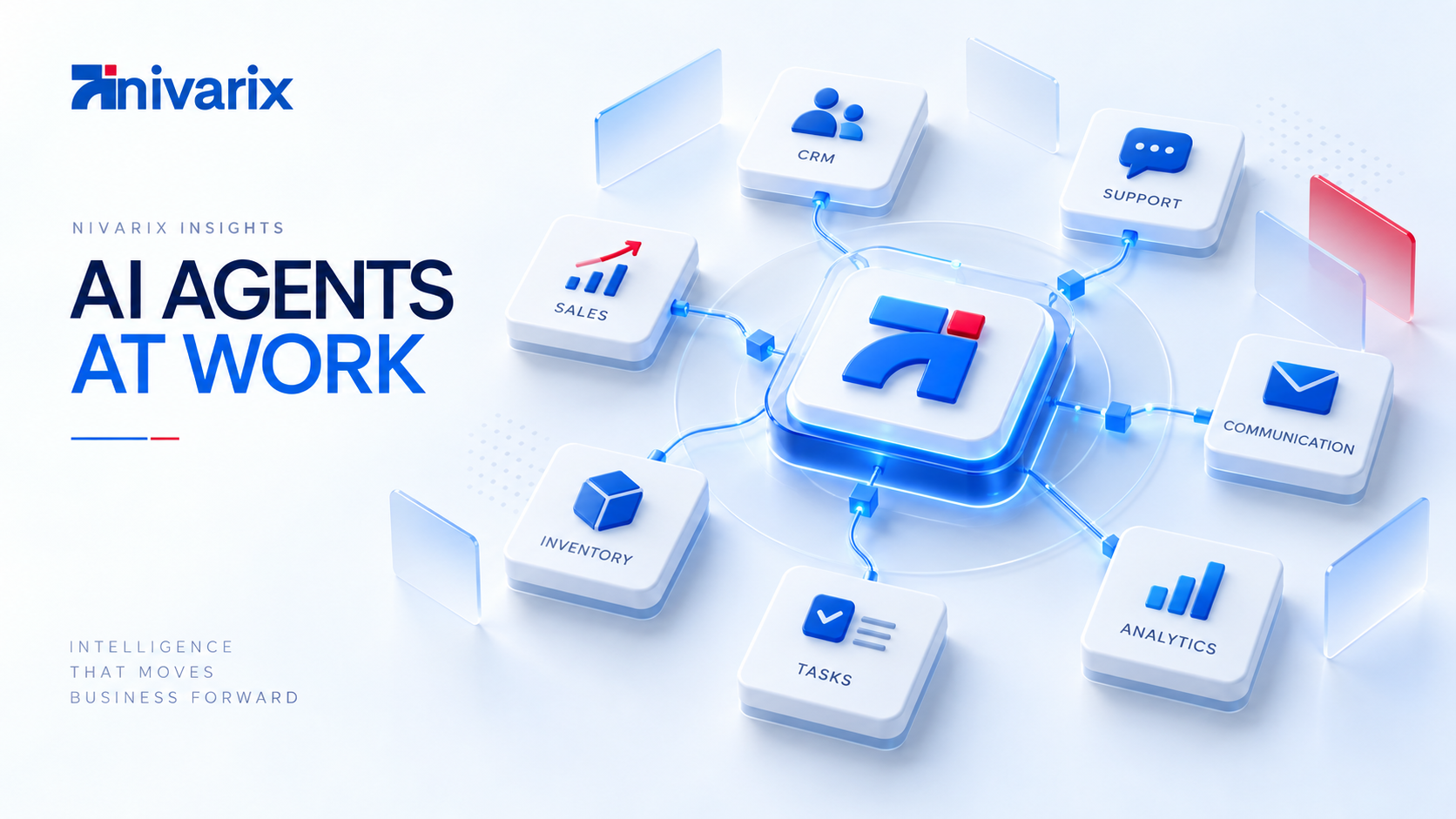

AI integration means connecting AI capabilities to the systems and workflows a business already uses. It can be as simple as adding intelligent search to internal documents or as advanced as connecting AI agents to a CRM, ERP, WhatsApp, support desk and internal database.
What does AI integration actually include?
- Connecting an AI model to a website, app or internal system.
- Giving the AI controlled access to approved business data.
- Connecting tools through APIs, webhooks or workflow platforms.
- Creating prompts, rules, permissions and escalation logic.
- Adding logs, monitoring and human approval where needed.
- Testing quality, privacy, latency and cost before wider rollout.
Common AI integration use cases
| Area | Example |
|---|---|
| Customer service | AI assistant that answers from an approved knowledge base and escalates difficult cases |
| Sales | Lead qualification, follow-up suggestions and CRM updates |
| Operations | Document extraction, approvals, reporting and exception alerts |
| Knowledge | Search and question answering across policies, manuals and internal documents |
| Product | Recommendations, summarization, search, classification or AI-assisted workflows inside an app |

What does AI integration cost in Nigeria?
There is no reliable single market price because the work varies too much. A narrow integration that connects one existing AI service to one workflow can be relatively small. A custom AI system that uses private business data, several integrations, role-based access, retrieval, monitoring and complex automation is a software project in its own right.
A useful way to budget is to separate three cost layers: the AI or third-party service fees, the engineering work needed to integrate the system, and the ongoing cost of hosting, monitoring and usage. Ask for all three so the cheapest development quote does not become the most expensive system to run.
A practical AI integration process
- Choose one business problem and define a measurable target.
- Map the data and systems the AI will need to access.
- Decide what the AI can do automatically and what needs approval.
- Build a small proof of value using real but controlled scenarios.
- Test accuracy, security, cost and failure cases.
- Deploy gradually, monitor results and improve from real usage.
When AI should not be the first solution
If the real problem is missing data, unclear responsibilities, broken processes or a system that does not expose reliable information, adding AI may not solve it. Sometimes the right first step is better software, cleaner data or simpler automation. AI should sit on top of a process that the business understands.
How Nivarix approaches AI integration
Nivarix can integrate AI into existing digital products or build custom systems where AI is one part of a larger operational workflow. The emphasis should be controlled access, useful automation, measurable outcomes and a human fallback for situations that require judgment.
Frequently asked questions
Can AI be added to an existing application?
Yes, if the existing application has usable APIs, a database or another reliable integration path. Sometimes a small backend layer is added to connect the application to the AI safely.
Do I need to train my own AI model?
Usually not. Many business use cases can be built with existing models combined with your own data, permissions and workflow logic.
How do I protect company data?
Use access controls, approved data sources, clear retention rules, secure integrations and human review for sensitive actions. The implementation should also reflect applicable data-protection obligations.
Related reading: practical AI automation use cases.
Photography: cover by Luke Chesser; article photo by Kvalifik, via Unsplash. Photos are illustrative.