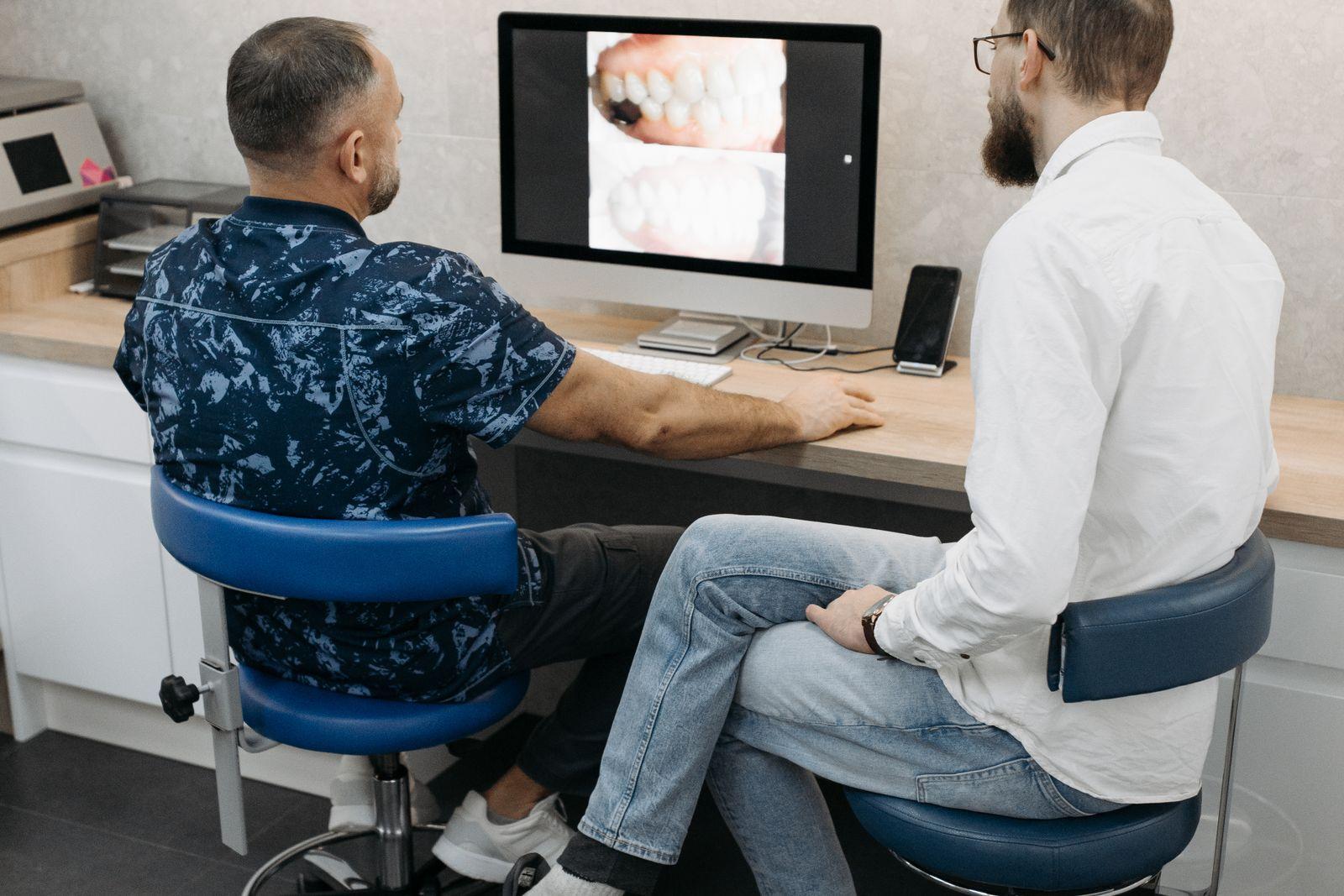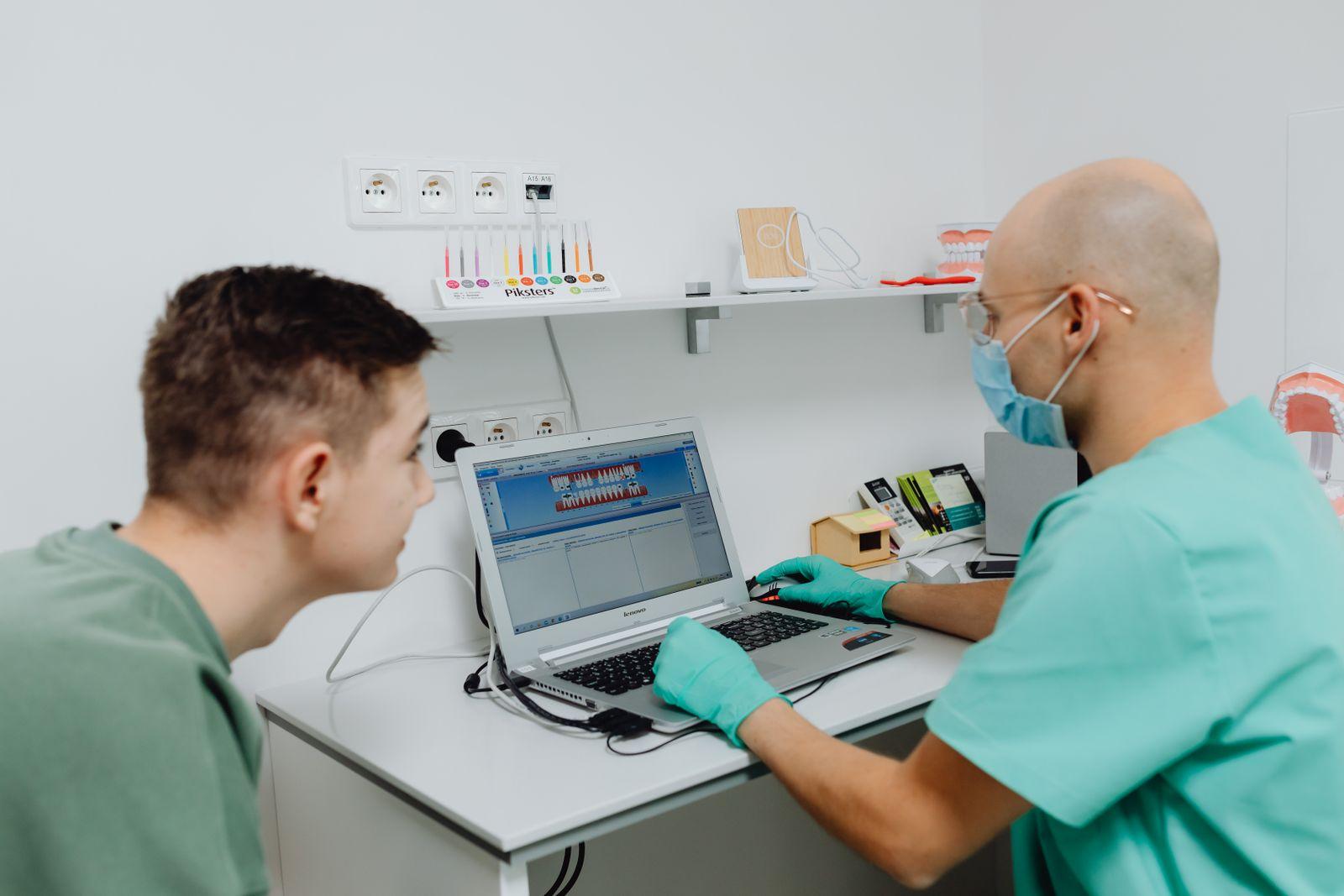
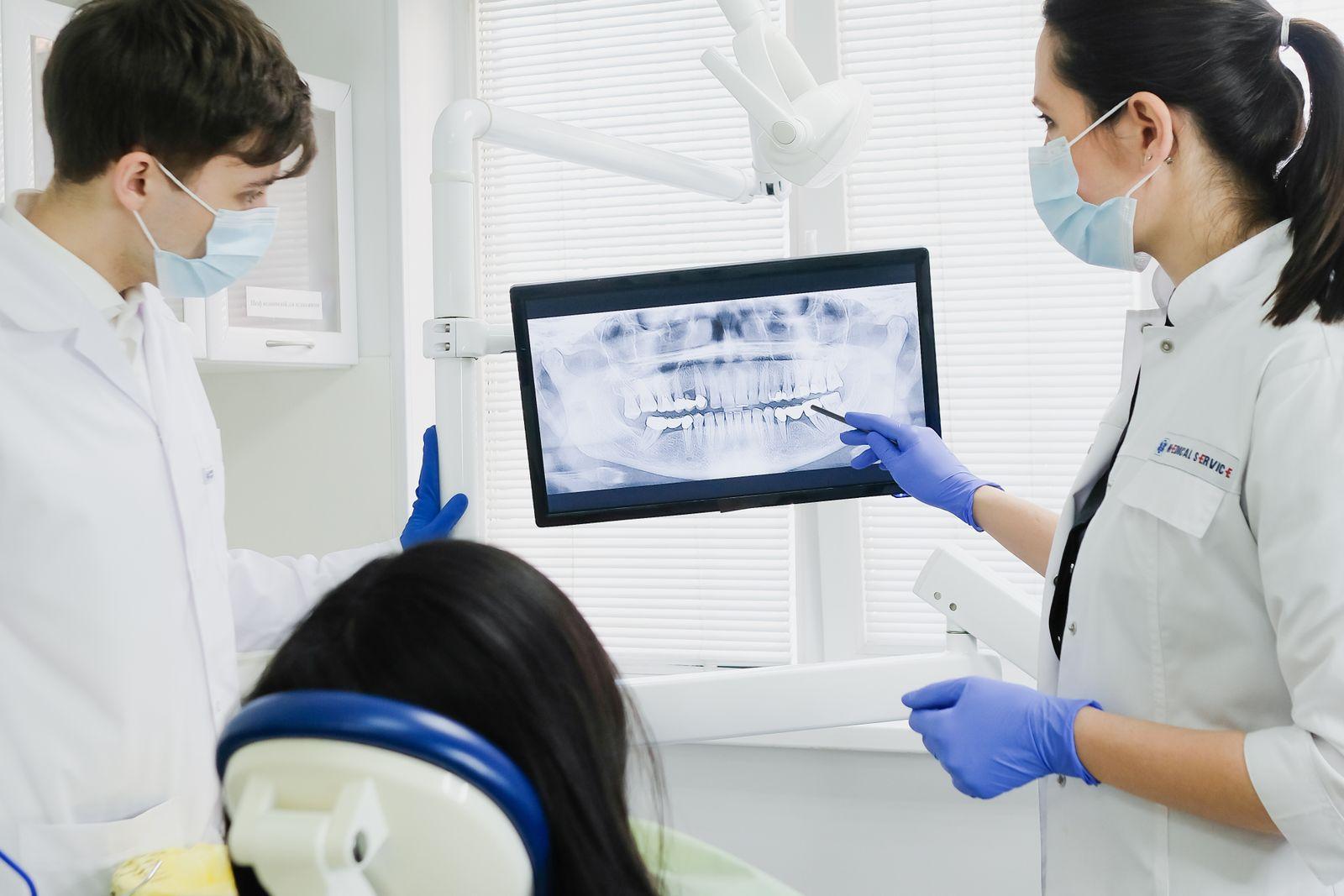
Migrating dental management software involves more than copying patient names into a new database. A safe migration preserves the relationships between patients, clinical history, appointments, invoices, payments and relevant documents while protecting information throughout the transfer. It also requires a plan for continuing care if the new system or migration process fails.
The recommended approach is to inventory the existing system, agree on the data scope, establish secure export and mapping procedures, complete a trial conversion, reconcile the results with practice staff, and conduct a controlled final cutover. Do not switch off the old system until the agreed verification and retention arrangements are in place.
1. Audit the existing environment
Start by identifying every source of information. A practice management database may contain clinical notes and financial records, while radiographs are stored by another application. Appointment reminders, laboratory orders and consent documents may be handled by separate providers. The migration cannot preserve information that has not been identified.
| Data class | What to inventory | Verification approach |
|---|---|---|
| Patient identity | Identifiers, demographics, contact details, relationships | Counts and identity mapping |
| Scheduling | Past and future appointments, status, clinician and branch | Calendar comparison |
| Clinical history | Notes, treatment records, relevant charting, amendments | Clinician review and record checks |
| Billing | Invoices, balances, credits, payment history | Finance reconciliation |
| Documents | Consents, referrals, attachments | File count, access and linkage |
| Imaging | Image stores, identifiers and viewing software | Specialist review and patient matching |
| Configuration | Staff roles, fees, templates, permissions | Workflow and access testing |
Some information may be intentionally retained in a secure read-only archive rather than imported into the new operational system. This must be a documented decision agreed with practice leadership and relevant advisers. Retention obligations and patient access rights still need to be met.
2. Confirm legal and technical access to the data
Review the current vendor's contract, available export formats, notice periods, conversion fees and assistance arrangements. Ask whether the export includes attachments, historical records, timestamps, unique identifiers and financial transactions. A CSV of patient contact details is not an adequate substitute for a complete clinical migration.
Determine who is authorized to release the data, who will process it and which secure environment will be used. Review applicable privacy obligations and contractual safeguards before a third party receives any patient information 1 · 2. Use encrypted transfer and storage appropriate to the risk, named access permissions and a retention schedule for working copies. Do not email unprotected databases or use production patient information in an unrestricted developer testing environment.
A vendor-specific export may require assistance from the existing software provider. Confirm the supported route rather than relying on unauthorized access to an internal database. The cost and schedule cannot be finalized until data access is understood.
3. Build a reproducible conversion process
A migration pipeline should be repeatable:
Authorized export → protected staging → data profiling → field and relationship mapping → validation → controlled import → reconciliation report → clinical and finance approval.
Retain a mapping document that describes how each source field becomes a target field, which transformations are applied, how ambiguous values are handled and which information is excluded. Preserve stable source identifiers in a restricted mapping table so that records can be reconciled and re-imports do not accidentally duplicate patients or transactions.
Data quality problems need explicit handling. Two records with the same name should not automatically be merged. A date may be expressed in different formats. An invoice balance can be wrong if an imported payment was allocated to the incorrect invoice. Ambiguous clinical codes must be reviewed by an appropriate clinician rather than guessed by a developer.
FHIR can be useful for supported healthcare exchange 3, but it does not automatically solve the problem of mapping a legacy dental database into another product. Both systems' actual capabilities and applicable profiles need to be investigated.
4. Run a trial migration before cutover
Open Dental's conversion process provides a relevant example of trial data conversion and verification before a final conversion is scheduled 4 · 5. Apply the same principle when developing a custom migration: do not use launch day to discover what the export contains.
The trial should include a representative dataset, with permissions and security appropriate to any real records involved. Compare totals and inspect high-risk examples. Include patients with complex histories, open treatment plans, historical corrections, outstanding invoices, canceled appointments and attached documents.
| Acceptance measure | Example gate to agree with practice |
|---|---|
| Patient identity mapping | All in-scope records accounted for; unresolved identities reviewed |
| Future appointments | All in-scope confirmed appointments reconciled |
| Financial balances | Totals and individual exceptions reconciled to the agreed ledger |
| Clinical record linkage | Required records accounted for; clinical sample reviewed |
| Attachments | Missing and unmatched documents reported and resolved or accepted |
| Access controls | No unauthorized test access; staff roles approved |
| Exceptions | No unresolved critical issues before go-live |
Counts alone are not proof of correctness. A migration can copy 10,000 records and still associate an image with the wrong patient. Validate relationships as well as quantities. Record the source snapshot date, conversion version, test results and sign-off authority.
5. Plan a controlled cutover and rollback
Agree on the last point at which data can change in the original system. Depending on the migration design, this may require a short write freeze or a validated incremental export. Communicate the downtime and fallback appointment procedures to staff.
A practical sequence is:
- Confirm backup restoration and trial migration acceptance before the cutover.
- Take the authorized final snapshot, record its time and reconcile changes since the trial.
- Import the data and validate critical workflows and financial totals.
- Obtain formal approval from designated practice representatives before opening the system for normal work.
- Monitor the first operational sessions with dedicated support and a defined escalation route.
A rollback must address records created after launch. Restoring the old database without preserving newly recorded appointments, clinical notes or payments can lose information. Define how post-cutover changes will be captured and reconciled if the new system must be withdrawn. Do not improvise this process during a live clinical day.
6. Estimate migration effort separately from development
A simple illustrative migration allowance might be 80 hours of mapping and conversion, 40 hours of reconciliation and 40 hours of cutover preparation, training and support. At an assumed $60 engineering rate, 160 hours would cost $9,600. This excludes specialist imaging conversion, external provider fees, clinical reviewers and unexpected data remediation. It is not a quotation.
Request the cost of the trial conversion, repeated tests, final conversion and post-launch support separately. Clarify what happens if the source provider changes the export format or if previously unidentified records must be transferred.
Frequently asked questions
Can we transfer every piece of information?
Not necessarily. Export limitations, incompatible formats and retention decisions may require separate migration or archival arrangements.
How long will the practice be offline?
It depends on data volume, export and import speed, validation requirements and the ability to transfer changes incrementally. Establish a downtime estimate from the trial.
Can we keep the old software?
A secure, authorized read-only arrangement can be useful, subject to licensing, security and retention requirements.
Who should approve the migration?
Designated clinical, administrative, financial and technical representatives should approve the data relevant to their responsibilities.
Plan your dental software transition
If you are considering a customized dental management system, discuss your current software and the data you need to preserve before committing to a replacement. Nivarix can help define migration requirements and assess supported integration options.
Discuss your dental software migration
Related guides and services
- Estimate the cost of a custom dental platform
- Compare a replacement with adapting existing software
- Plan patient access during a portal change
- Explore custom dental software
- Explore technology for dental practices
Sources
Checked 29 November 2026.
- HHS business associate guidance
- ICO health and special category data
- HL7 FHIR overview
- Open Dental test conversion
- Open Dental final conversion
Cover photograph by Nadezhda Moryak, via Pexels.