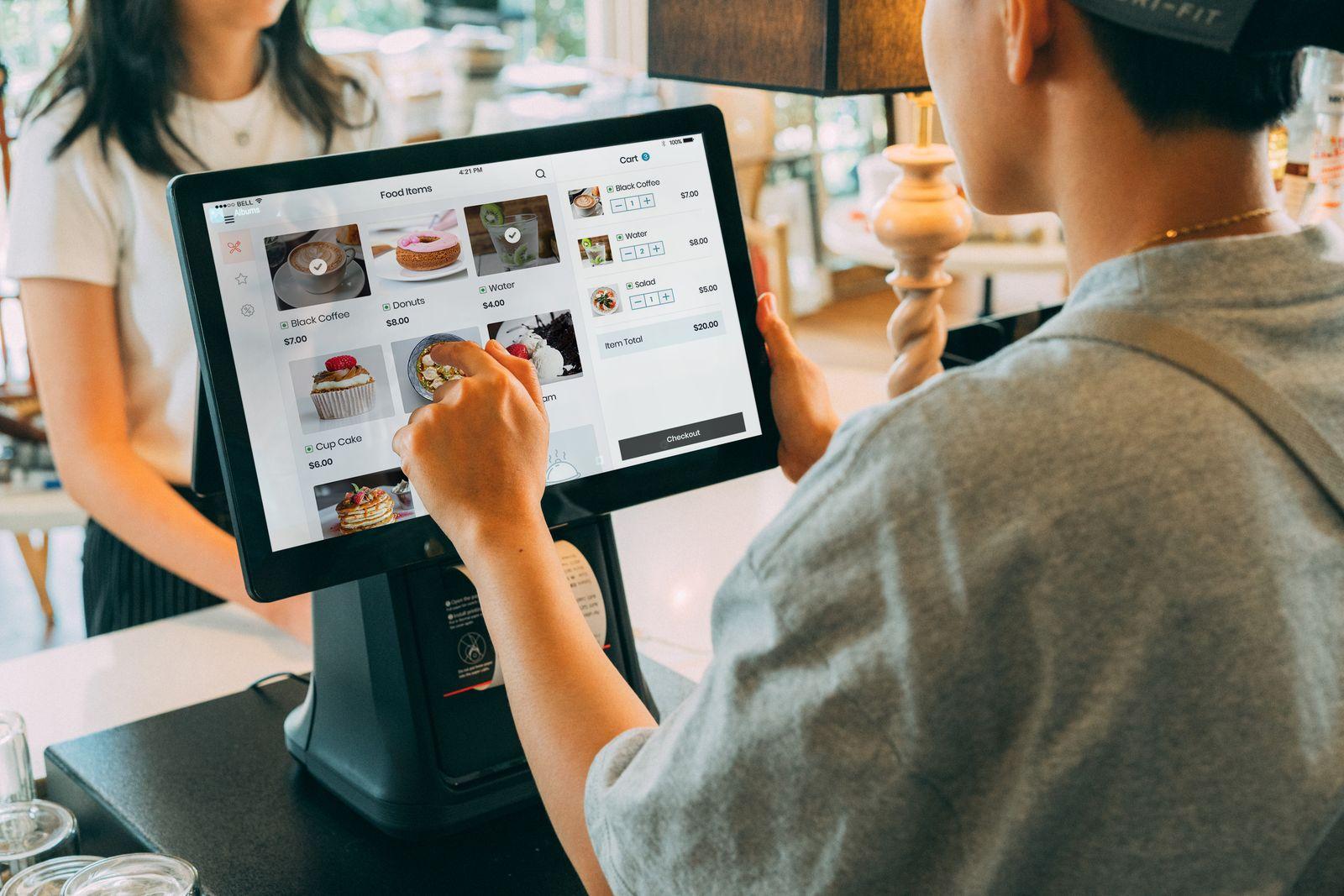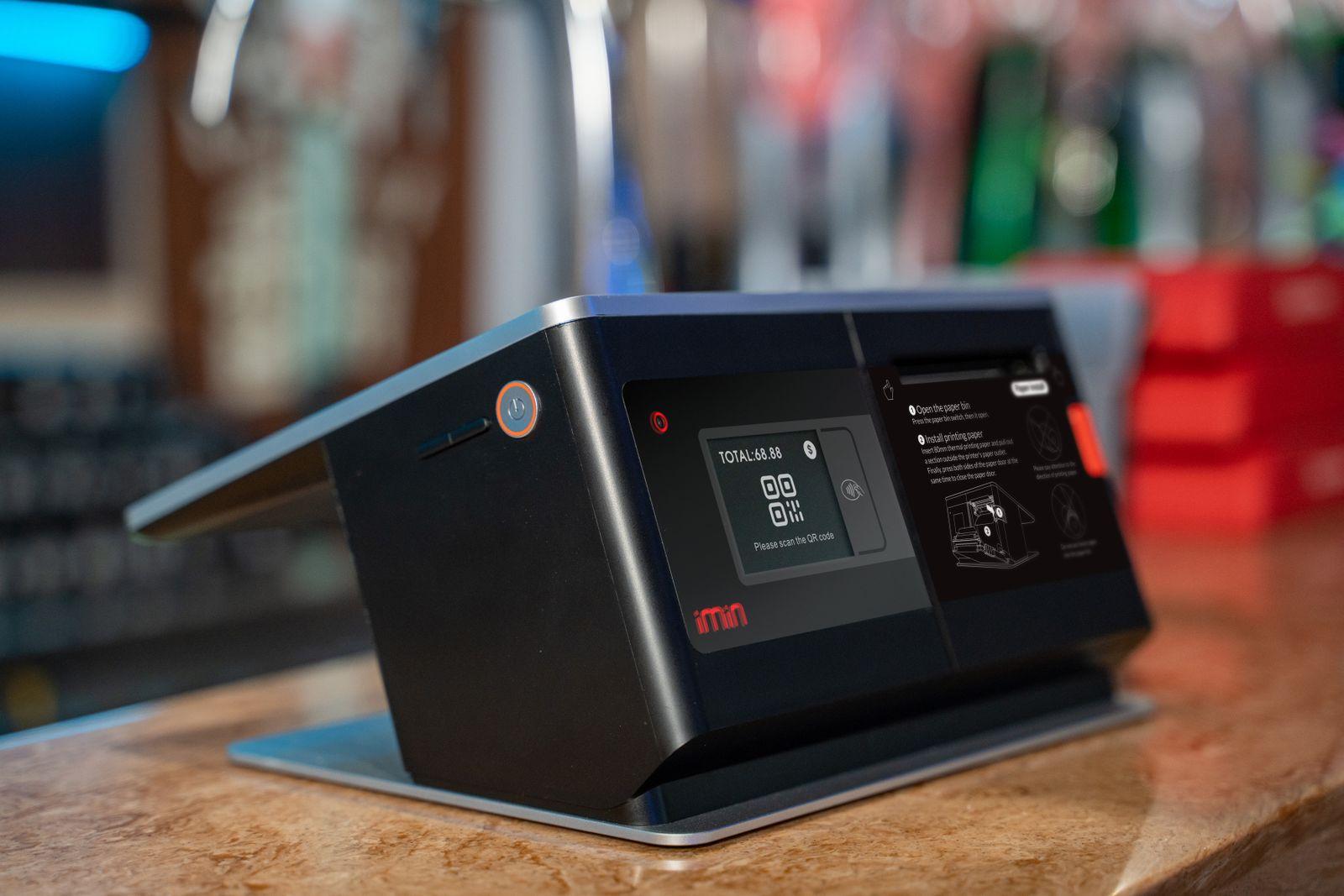

Offline POS software allows a retail business to record supported sales locally when internet connectivity is interrupted and synchronise data when the connection returns. It can help a shop continue checkout during network problems, provided the device has power and the necessary product data is already available.
Offline operation does not mean every function works without internet. Electronic payment confirmation, remote stock visibility, cloud reports and some refunds may require connectivity. Before purchasing a POS system in Nigeria, test exactly what can continue, what becomes unavailable and what happens to each transaction when the connection returns.
Offline software is different from a payment terminal
In Nigerian retail, POS can refer to a bank or payment-provider terminal, or to the software that manages the store. The retail application handles product selection, pricing, sales history, receipts and stock. The payment terminal handles an electronic payment according to the provider's rules. The fact that one operates offline does not establish that the other can.
| Workflow | Can be designed for offline use? | Important limitation |
|---|---|---|
| Select cached products and prices | Yes | Prices may be outdated |
| Record a cash sale | Yes | Device and local storage must work |
| Print a receipt | Yes | Compatible printer must be reachable and powered |
| Confirm bank transfer | Usually requires access to verification service | Do not treat a screenshot as confirmation |
| Authorise card payment | Provider-dependent | Some supported products defer capture and risk a later decline |
| View central stock across branches | Not reliably in real time | Other locations may have made sales |
| Send email or WhatsApp receipts | Usually requires connectivity | Queue delivery and show pending status |
| Update central reports | After sync | Display last successful synchronisation time |
A system should make its limitations visible to staff instead of silently behaving as if everything remains connected.
How offline-first POS architecture works
A resilient design stores essential product and configuration data on the checkout device. When a cashier commits a sale, the application saves the sale and its associated stock movements in a local transaction. It assigns a unique identifier, queues an upload and can generate the local receipt. On reconnection, the sync service sends queued transactions to a central system and receives acknowledgements.
Cashier -> Local checkout -> Durable transaction record -> Local receipt printer
                                     |
                                Sync queue
                                     |
                      Network available -> Central server
                                     |
                         Acknowledge / reconcile / update
This is an illustrative engineering design, not a claim about a specific Nivarix deployment. Local data storage must survive an application restart. Prefer atomic writes that keep related sale and stock records consistent. A web-based offline application also needs a supported storage and caching strategy; caching pages alone does not make checkout reliable. Define storage limits and how the system behaves if the device runs out of space.
Prevent duplicate sales when connectivity returns
A common failure occurs when a server receives an offline sale but the device loses connectivity before receiving the acknowledgement. The device may retry the same request. Without duplicate protection, the sale could appear twice and stock could be deducted twice.
Use a stable transaction identifier generated once for that sale. The receiving service should recognise a retry with the same identifier and return the existing result rather than creating another record. Maintain queue statuses such as pending, acknowledged and requires review. Record error details without exposing sensitive data to ordinary cashiers.
The business should be able to reconcile local sale totals with the central ledger and payment records. The system should never hide unresolved transactions or assume that sending a request establishes successful processing.
What happens when two branches sell the last item?
Imagine that a shared warehouse has one remaining unit of a product. Two checkout devices are disconnected and both see an older stock count of one. If both accept a sale, the central system may discover a conflict after reconnection.
The software cannot create physical stock to resolve the problem. Depending on the business model, use branch-specific allocated stock, reserve items while connected, limit offline selling of shared inventory or route conflicts to authorised staff for resolution. Preserve both sale records and the audit history. Do not overwrite the whole stock count using whichever device synchronises last.
For inventory, a ledger of sales, purchases, transfers and adjustments makes reconciliation easier than treating the most recent number as unquestionable truth. Define when negative stock is prohibited and how exceptions are handled. Inform the cashier when the displayed quantity may be stale.
Payments and reconciliation during outages
Some international POS products support deferred card processing under specific hardware and regional rules. Shopify's offline payments documentation describes a pending state before eligible payments are processed. Square's offline guidance also describes provider-specific limitations. These examples explain the concept; they do not establish the availability of offline card acceptance for a Nigerian merchant.
Use distinct states for cash received, electronic payment pending, electronic payment confirmed and payment failed. A pending receipt or invoice must not misleadingly claim that money has been collected. Verify transfer status through an authorised bank or payment provider when connectivity permits. Agree with the business whether goods may be released before payment is confirmed and who can approve an exception. Do not build your own system for storing raw card details.
Compare actual offline implementations
Several vendors describe offline capabilities, but implementations vary. On 29 November 2026, the following documentation was available for review:
| Product | Publicly documented behaviour | What you should test |
|---|---|---|
| Loyverse | Supports offline sales and shifts, with some operations restricted | Refunds, stock display, customer data and reconnection |
| Ajinex Desktop | Vendor describes local selling, printer/scanner use and later synchronisation | Multiple tills, interrupted sync, restart and migration |
| MartPoint Retail | Lists a locally installed Retail Offline edition | Exact local features, backup, upgrade and export behaviour |
These descriptions are based on vendor documentation, not hands-on testing or independent product ratings. Request a trial or demonstration on your own equipment. Offline support can differ by app, subscription and device.
Prepare for power loss as well as internet failure
A desktop computer and thermal printer need electricity even if checkout is offline. Assess the actual load of every essential device, including any local router or network printer. Choose suitable backup power with a qualified supplier; confirm expected runtime and test under realistic conditions. A laptop battery may keep the application running while the printer remains unavailable.
Keep local records protected by appropriate access controls and device encryption where supported. Back up the application data independently of the sync queue, and test restoration. Staff should know how to identify unsynchronised sales and what to do before reinstalling an application, clearing local storage or replacing a device. Local data that has never been backed up or synchronised may be lost if the device fails.
Offline POS acceptance test checklist
| Test | Required pass condition |
|---|---|
| Disconnect internet during checkout | Supported sale is committed locally and clearly identified |
| Restart after an offline sale | Record survives restart and remains pending sync |
| Disconnect printer | Sale is retained; reprinting does not create a second sale |
| Restore connectivity | Each transaction uploads once in the central ledger |
| Lose acknowledgement after server save | Retry produces no duplicate sale or stock deduction |
| Sell from two locations | Conflicts follow agreed policy and remain auditable |
| Attempt an unauthorised refund | Permissions and offline limitations are enforced |
| Simulate payment failure | Pending transaction is not counted as collected revenue |
| Restore backup on test device | Expected records and configuration are recoverable |
| Simulate power interruption safely | Application resumes consistently or exposes recoverable failure |
Use representative products, discounts, returns and multiple payment methods. Run the tests in a staging environment or supervised pilot, not by intentionally disrupting live customer payments. Agree on the maximum supported offline period, storage limits and how users are notified of stale data.
Should you buy or build an offline system?
Start with an existing product when it handles your workflows, hardware and reporting needs at an acceptable cost. Consider bespoke development when you need a specialised sync architecture, unusual stock or pricing logic, integrations or data ownership arrangements that existing products cannot provide. A custom system requires ongoing testing, maintenance and operational support; it should not be chosen merely because offline functionality sounds attractive.
Frequently asked questions
Can I sell without internet?
Yes, for supported workflows using locally stored data, provided the device is powered and configured.
Can receipts print offline?
Yes, if the device can reach a compatible powered printer and the application supports local printing.
Will stock be accurate across branches?
Central stock cannot remain perfectly current while branches are disconnected. Use a defined conflict and reconciliation policy.
Can card payments work offline?
Only if the specific payment provider, country, hardware and configuration support it. Deferred capture may fail later.
How do I recover after a crash?
Test local persistence and backups, then reconcile pending records before resetting or reinstalling the application.
Build resilience into your retail operation
Review our POS software comparison before choosing a product. If your operation requires a more specialised solution, Nivarix's operational systems services can help scope an offline-first checkout, inventory and reporting system. Discuss your retail requirements.
When ready-made products miss a required workflow, use the custom POS cost guide to compare a proposed build with a subscription.
Cover photograph by Radik 2707, via Pexels.