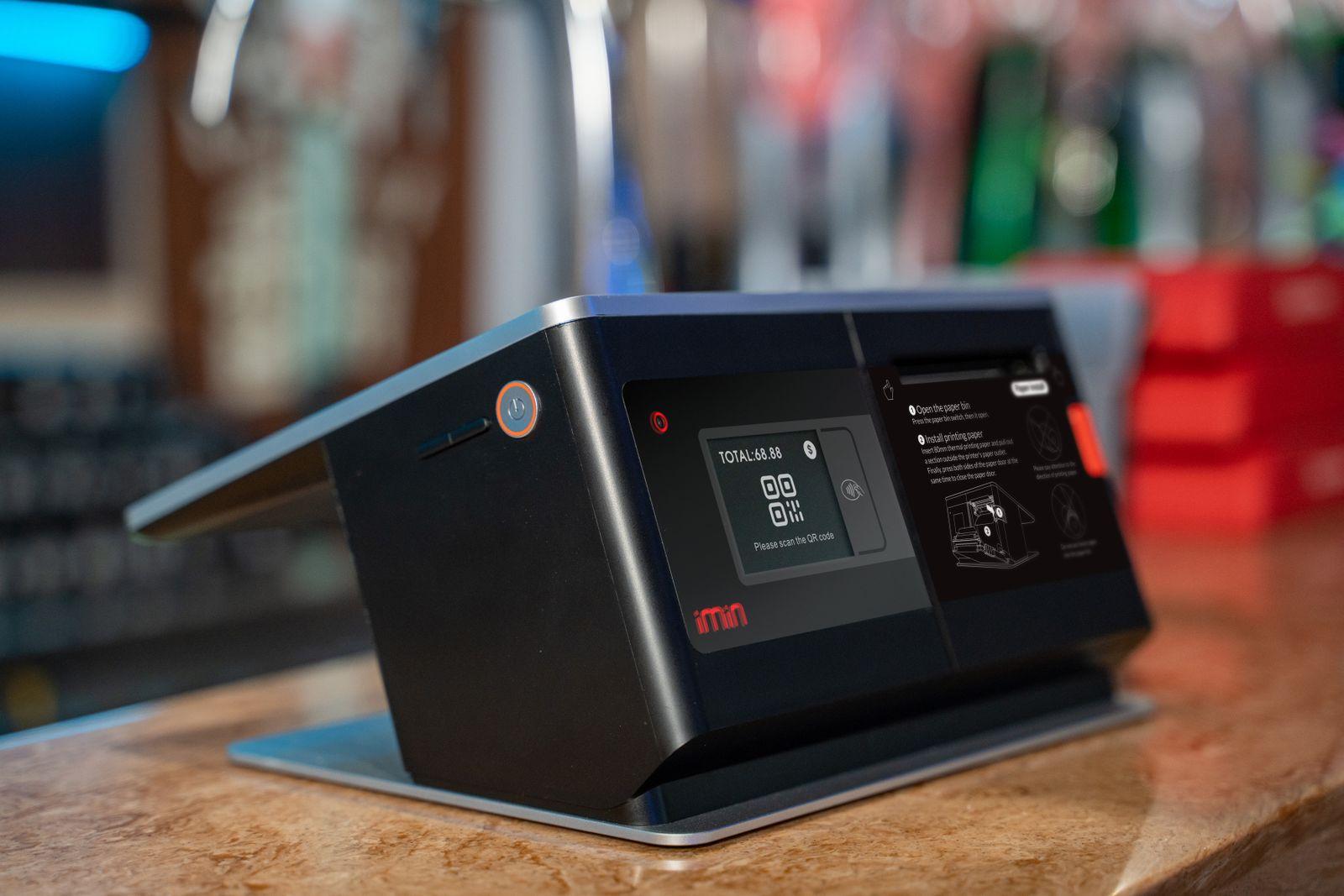
Supermarket management software connects checkout, inventory, purchasing, staff controls and reporting so that a store can reliably know what it sold, what it has left and what needs replenishing. For a Nigerian supermarket, the system must also be practical during connectivity interruptions, support local payment workflows and work with the actual scanners and receipt printers installed at checkout.
A product that handles quick sales may still be inadequate for a supermarket with thousands of items, several suppliers and frequent stock adjustments. When evaluating software, start with the whole operating cycle, not just the till.
1. Understand the supermarket workflow
Supplier order → Goods received → Quantity and cost confirmed → Stock placed on shelves → Barcode scanned at till → Payment recorded → Receipt issued → Stock reduced → Cashier reconciles shift → Manager reviews sales and replenishment.
Each stage needs defined responsibilities. The person receiving deliveries should not necessarily be able to change supplier prices without approval. The cashier should not be able to erase historical sales. A manager should be able to explain a stock variance rather than merely edit the balance.
2. Features that matter most
| Function | What to test |
|---|---|
| Checkout | Fast barcode scans, item search, discounts and returns |
| Product catalogue | Multiple units, variants, barcode uniqueness, price history |
| Inventory | Movement history, minimum stock, counts and adjustments |
| Purchasing | Supplier records, purchase orders, partial receipts |
| Expiry control | Batch and expiration dates for applicable products |
| Cashier management | Shift opening and closing, drawer balance, permissions |
| Payments | Cash, transfers, card terminals and split payments where supported |
| Receipts | Printable sales records and controlled reprints |
| Reporting | Net sales, margins, stock valuation and exceptions |
| Offline resilience | Local sales, pending transactions, synchronization and recovery |
Hardware compatibility should be demonstrated using your own equipment. A USB barcode scanner configured as keyboard input is often simpler to support than a specialized device requiring a vendor SDK. Weighing scales, label printers and payment terminal integrations may require separate engineering.
3. Compare available software approaches
Nigeria-focused providers such as MartPoint, SwiftPOS, SalesDock and Invema advertise retail or supermarket capabilities. Their websites describe inventory, checkout, reporting and varying levels of offline or multi-branch functionality 1 · 2 · 3 · 4. These descriptions are not hands-on endorsements. Ask each provider for a test account or supervised trial and verify the exact version and subscription tier you would receive.
| Approach | When it makes sense |
|---|---|
| Standard retail POS | Small store with conventional checkout and inventory |
| Supermarket-specific platform | Large product catalogue and supplier workflows |
| ERP with retail module | Business needing purchasing, finance and multiple branches |
| Custom supermarket system | Requirements that available products cannot adequately support |
An existing platform may provide a faster and less expensive route than commissioning software. A custom build is worth considering when the organization has unusual pricing, approval, fulfilment or integration requirements.
4. Design accurate stock control around packs and units
Suppose a store receives 20 cartons of juice containing 24 units each. The system should record 480 sellable units. A sale of two cartons and five individual bottles removes 53 units, leaving 427. If the system records cartons and bottles as unrelated stock items without conversion rules, balances can drift quickly.
Define the base inventory unit for every product. Represent carton and pack barcodes as alternate selling or purchasing units. Decide how cost and rounding are calculated. For items sold by weight, verify how the scale transmits the value and how the sale price is calculated.
For perishable items, the stock system must distinguish usable inventory from damaged, expired and quarantined items. A first-expiry-first-out picking policy can help staff prioritize products appropriately; it does not replace physical checks.
5. Protect the cash desk and reconcile the day
Imagine a cashier starts a shift with a ₦30,000 float. During the shift, cash sales are ₦250,000, cash refunds ₦10,000 and approved cash removals ₦120,000. Expected drawer cash is ₦150,000. A physical count of ₦146,000 produces a ₦4,000 shortage requiring investigation.
Card and bank transfer payments must be tracked separately. Never add them to cash expected in the drawer. An electronic payment that is pending is not a confirmed sale settlement. Record the payment reference and verify it using the approved payment workflow.
A manager's closing dashboard should display net sales, tender totals, outstanding payments, drawer variances, refunds, unusual discounts, stock adjustments and unsynchronized tills. This is more useful than a dashboard showing revenue alone.
6. Estimate the complete cost
Rather than treating a monthly software price as the entire budget, use a cost worksheet. For an illustrative store with two checkout counters, assume:
| Item | Example budget |
|---|---|
| Initial software configuration and data import | ₦180,000 |
| Two checkout devices | ₦400,000 |
| Two barcode scanners and two printers | ₦240,000 |
| Power and networking equipment | ₦180,000 |
| Training and pilot | ₦100,000 |
| Annual software subscription | ₦240,000 |
| Example first-year total | ₦1,340,000 |
These are deliberately hypothetical allocations, not quoted hardware prices. The store may already own some equipment. Obtain actual quotations, include connectivity and consumables, and add payment processing fees. MartPoint and other vendors publish plan information, but onboarding and customization may be separate 1.
7. Run a supermarket-specific trial
Prepare a test file containing at least 50 representative products. Include different package sizes, a promotional item, a perishable item and products with similar names. Test a busy checkout queue, printer failure, a return, a cancelled order, a partial supplier delivery and a lost internet connection. Reconcile the sales report to stock movements and payment records at the end.
Record checkout time using real staff rather than a developer who already knows the interface. Choose a software supplier partly on how well they help staff learn and recover from errors.
8. Introduce software without shutting down operations
Start with a catalogue clean-up and stock count. Pilot at one counter or branch. Train staff with common and exceptional transactions. Review daily variances during the pilot. If the records reconcile consistently, expand to other counters. Keep a documented rollback procedure and preserve historical records from the old system.
A successful rollout is measured by accurate balances and usable controls, not the number of screens installed.
Frequently asked questions
Can a supermarket use POS software offline?
Some systems support offline sales, but verify synchronization and electronic payment limitations in a realistic test.
Does supermarket software support barcode scanners?
Many platforms do. Confirm supported device models, barcode formats, label sizes and products sold by weight.
Can I monitor a supermarket remotely?
With appropriate centralized reporting and connectivity, yes. Reports should indicate the freshness of each store's data.
Do I need ERP software?
A single store may need only reliable retail software. An ERP becomes more relevant as purchasing, finance, warehouses and branch operations become interconnected.
Build a better retail operation with Nivarix
Bring your product catalogue, checkout process, equipment list and reporting requirements. Nivarix can help assess available solutions or design a custom supermarket management system where the existing options do not fit.
Discuss your supermarket requirements
Related guides and services
- Compare custom and subscription POS options
- Test offline checkout and recovery
- Compare POS products for Nigerian businesses
- Read the inventory software buyer guide
- Explore Nivarix operational systems
Sources
Checked 29 November 2026.
Cover photograph by Markus Winkler, via Pexels.